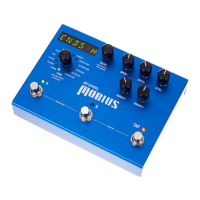
Mobius - User Manual
®
pg 8
TAP DIVISION: Selects the subdivision to use for LFO speed when
tapping in a tempo. Tap division options include:
Whole, Half, Quarter(default), Dotted Eight, Eighth,
Triplets, Sixteenth notes
NOTE: If TAPDIV is set to anything other than Quarter
notes, the TAP LED will pulse in amber
PRE / POST: Allows configuration per preset of the pre/post
configuration available via the rear panel toggle
switch. When Mobius is used in pre/post configuration,
set to “PRE” to place the modulation effect in front of
your amp and set to “POST” to place the modulation
effect in your amp’s effect loop.
NAME: Allows editing the 16 character name of the current
patch. Use the VALUE encoder to change the selected
character. Use the TYPE encoder to select a character.
Exit by pressing the VALUE encoder, then press and
hold the TYPE encoder to SAVE the name permanently.
NOTE: For the patch name to be displayed the NAMES
global must be set to ON or SCROLL.
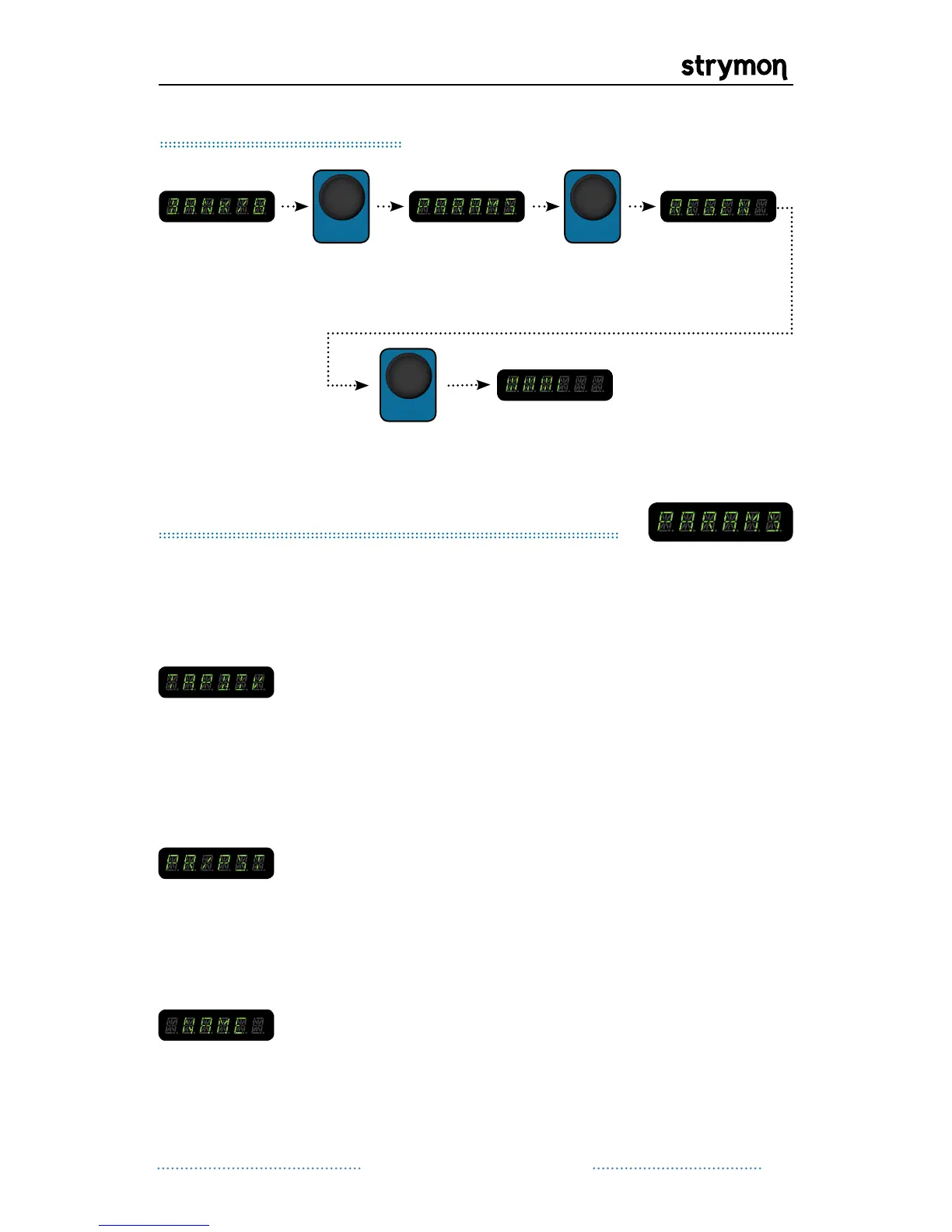
push the value
encoder again
and turn to edit
the selected
PARAMETER
Editing Parameters
Mod Machines: Common Parameters
All Mod Machines share a set of parameters. These parameters are
saved with each preset and include:
Continued on Next Page


 To Next Page
 Loading...