Mobius - User Manual
®
pg 9
EXPRESSION PEDAL ON/OFF: Enables or disables the expression
pedal input for each patch.
EXPRESSION PEDAL SET:
Enters the expression pedal setup for each
patch. All knobs can be configured to be used with the
expression pedal. To set up which knobs are controlled
by the expression pedal, push the Value encoder when
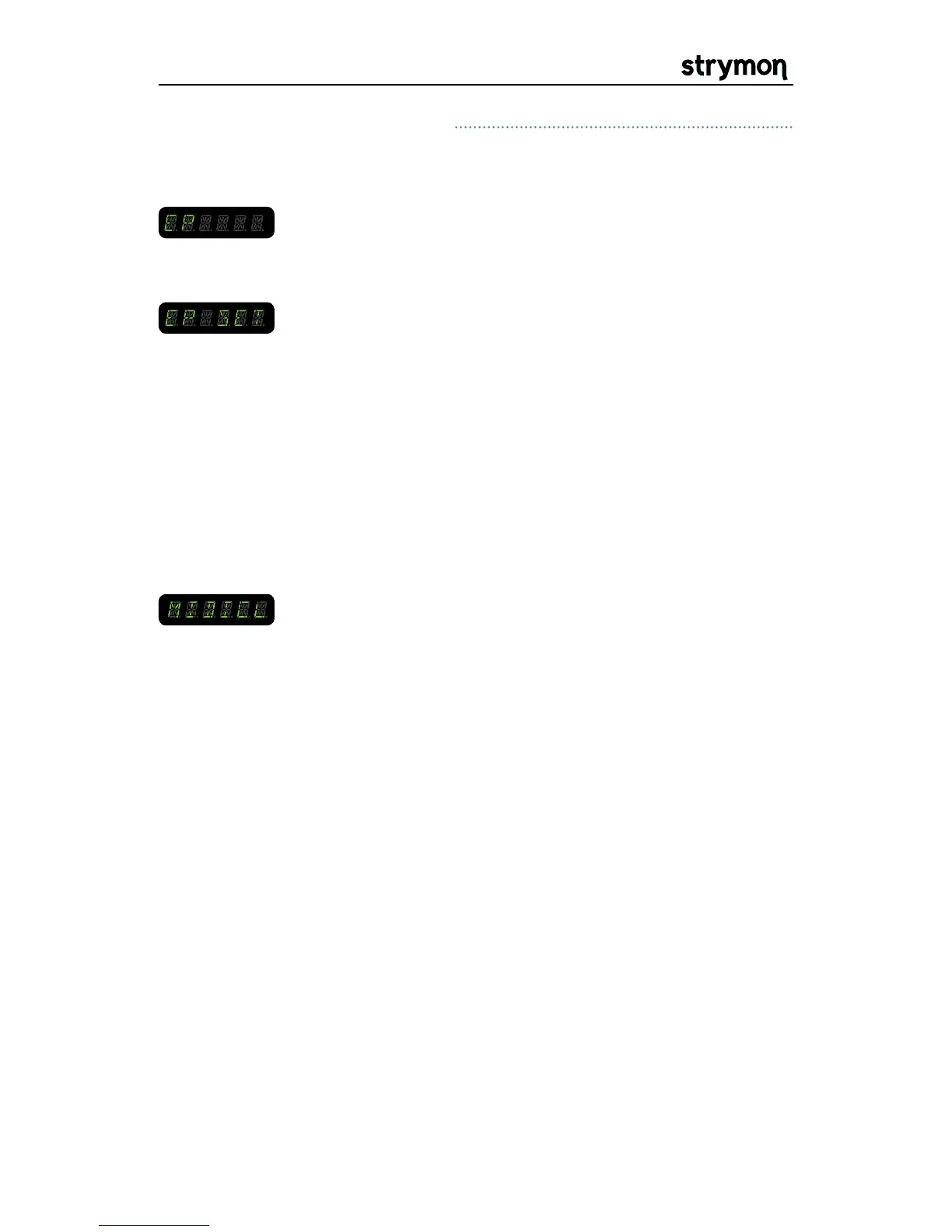
it displays “EP SET” and it will then display “HEEL”.
Turn the knob(s) to the position desired at heel
down on the expression pedal. Then, turn the Value
encoder right to display”TOE” and set the knobs to
their desired values at the toe down position on the
expression pedal. An expression pedal can control all
of the knobs simultaneously.
Common Parameters Continued
MIDI CLOCK ON/OFF: When set to ON, Mobius will respond to external
MIDI clock from the MIDI input. This parameter is
saved independently so that only presets with this
parameter set to ON will respond to MIDI clock.


 To Next Page
 Loading...