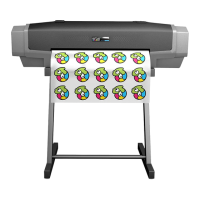
STS/Mutoh XPD 724 Printer Guidelineswww.stsinks.com
The PET Film used for DTF printing is covered with a layer of a specialized emulsion that sets the inks to
a gel-like state when the ink lands on the lm. Therefore, if the print head touches the PET lm any ink
that is on the surface of the print head, including across any nozzles, will be set to a gel-like state and
can cause blocked nozzles and ultimately premature head failure
Do not lift the media or touch the media during printing operations! WARNING
• Maintenance Best Practices
• Clean wiper blade and the wiper drain path at end of production weekly.
• Clean the capping station seal and spit pad every second day.
• Clean the print head guards and the black plastic rams at either end of the print head
after production or each day.
• Make sure the Black strip on the front of the Heat platen is clean so that media sensor
understands it’s media checks.


 To Next Page
 Loading...