The nine parameters are grouped into four display types:
FILTER Cutoff and Resonance
ADR Attack-Decay-Release of the Filter
LFO Speed and Modulation Depth of the Filter Cutoff
AR – Attack and Release of the AMP section
In the Filter, the Sustain level (frequency after decay) is approximated on the Decay value: by
setting the Decay to maximum, the final Sustain level is reached with a very long time which allows
you to simulate a maximum Sustain within certain times.
If you set the related parameter STANDARD, the navigation works as follow:
Clicking on the Encoder: the focus will move to the 3 main positions: Programs, Lower, Upper.
Pressing the Sound or MIDI buttons, the focus (cursor position) will be moved on top.
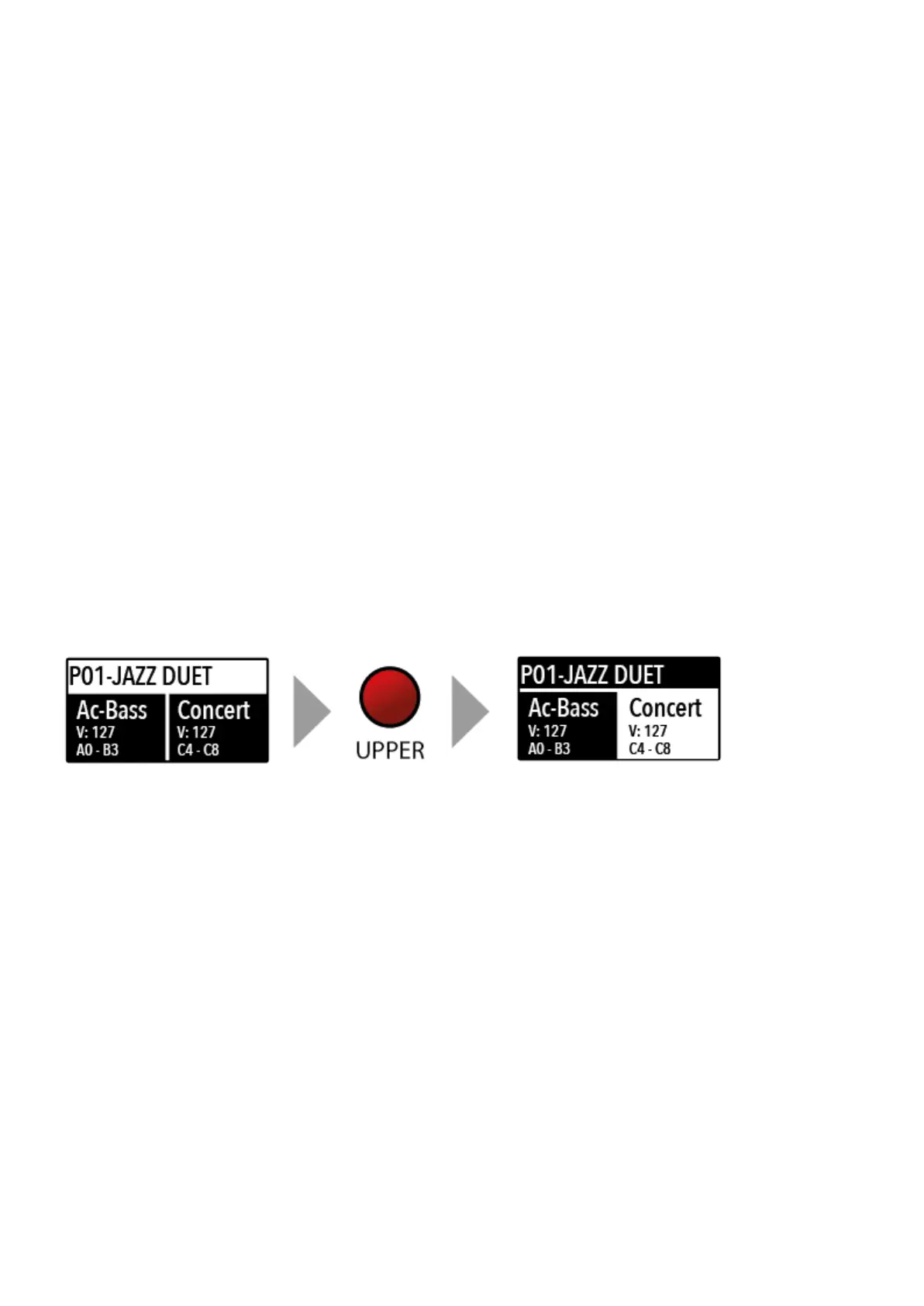
Pressing Lower or Upper, the focus (cursor position) will be set to the related areas.
When the focus is on the Program area, rotating the Encoder you will select the various Programs.
When the focus is on the Lower/Upper areas, rotating the Encoder you will control the related
The two buttons marked SOUND and MIDI will toggle between the two related views and controls.
When the SOUND button is selected and lighted, the user can control the SOUND sections and
selections, all related display, settings, edit pages and parameter settings.
When the MIDI button is selected and lighted, the display will show the status of the MIDI Zones A
and B and the user can access to all available parameters, edit functions and values.
The SOUND button can also be pressed for a longer time, to enable the eight DEMO songs (one for
each sound BANK) to start playing in sequence; clicking on a SOUND BANK you can also select the
related demo; at the end of it, the next demo song will start for the other BANKS, in a continuous
User manual - Numa Compact X SE https://www.studiologic-music.com/support/articles/ncxse_manual/?l...
6 di 32 01/03/2024, 13:41



 To Next Page