Instruction manual VMK SERIES
23
live edit
PROCEDURE: LIVE EDIT
The ability to quickly send a Program Change or Bank Select change or change the Midi Channel without altering the original
Preset program.
In this example you will send a quick Program Change to your sound source. Sending a Bank Change or changin the Midi Channel,
follows the EXACT same procedure. Although you will select those options in step 1.
START FROM A PROGRAM
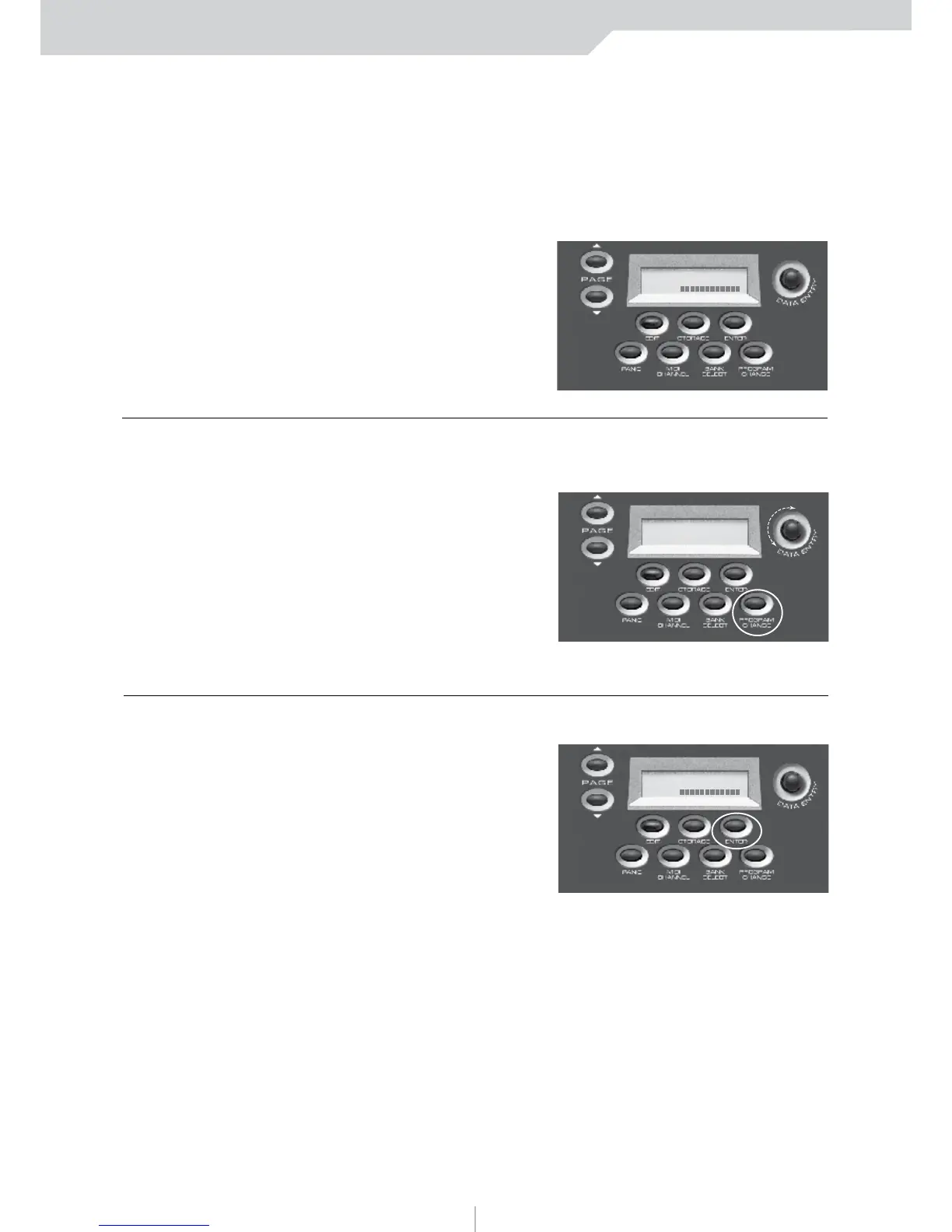
1) PRESS PROGRAM CHANGE
You can press Midi Channel
or Bank Select if those are
the Messages you want to send
2) PRESS ENTER
You will now return to
the Preset page.
That’s it! Live Edit is an extremely
easy but powerful function of
the VMK-149plus/VMK-188plus.
SCREEN
CHANGE
SCREEN
CHANGE
PRESET NUMBER: 1
NAME:
PRESET NUMBER: 1
NAME:
To adjust the Program Change value use the DE knob



 To Next Page