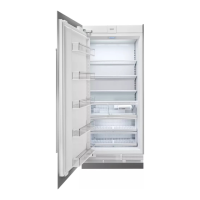
Light or Fan Switch Replacement
Light Switch Replacement: 500, 532, 550, 600, 611, 642, 632, 650, 661, 685,
690, BI-30, BI-36, BI-42, BI-48, PRO48
After factoring in trip, labor and part cost this could save you $200 on average.
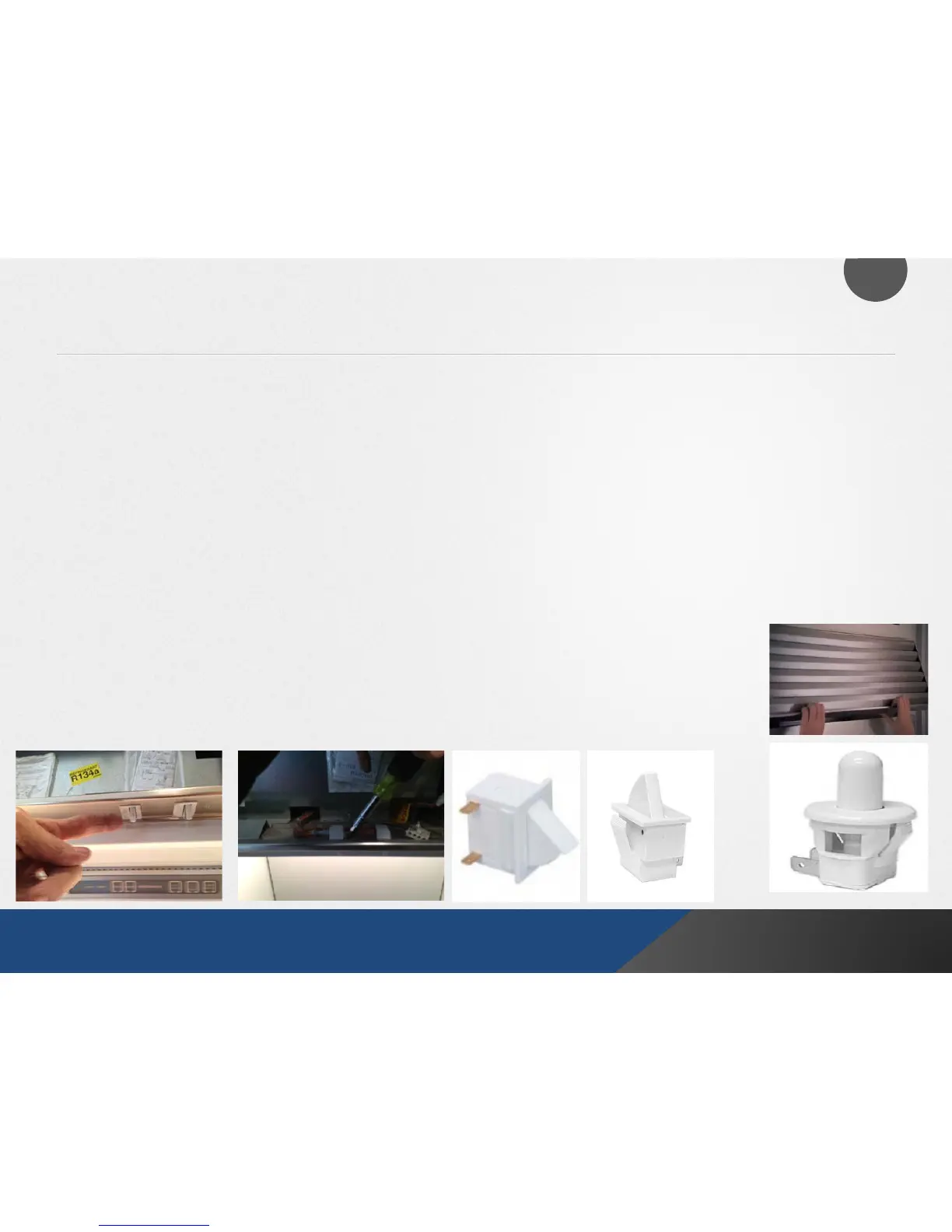
First, shut down power to the unit. For the older 500, 600 and 700 series you need to start by
removing the upper grill. Remove the three Philip screws under the top frame after you open the
outer door.
Start from the top and remove the two connection wires. Use a flat head screw driver to depress
the tab on the right side of the switch (shown below).
Then bring switch down through the metal frame and replace with new switch in reverse and it will
lock back in automatically.
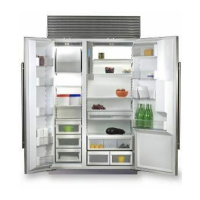
For BI and PRO models you just need to lift the grill rather than unscrew. The switches will more
round but will come out the same way.
16
Yale Appliance + Lighting
500, 600, 700 series
All BI and Pro models



 To Next Page