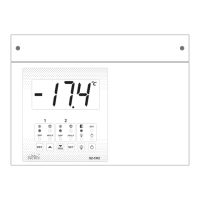
Press and hold “ ” key for 1 second, display will flash “LL” and the corresponding
Temperature for 4 seconds. After this, display will flash “LH” and the corresponding
Temperature for 4 seconds and come out of Log Mode and will display Control
Probe Temperature.
• How to reset the Logged Values:
While the display is showing the logged values, if user presses & holds the “SET”
key for 2 Sec, the logged values will be cleared and “LrS” will be displayed. Log
values will get reset after Power ON/OFF.
Note: High and Low Temperature Logs will be saved at every 10 Minutes.


 To Next Page
 Loading...