33
Changing the subtitle language
You can select a desired subtitle language from those available with the disc currently in the player.
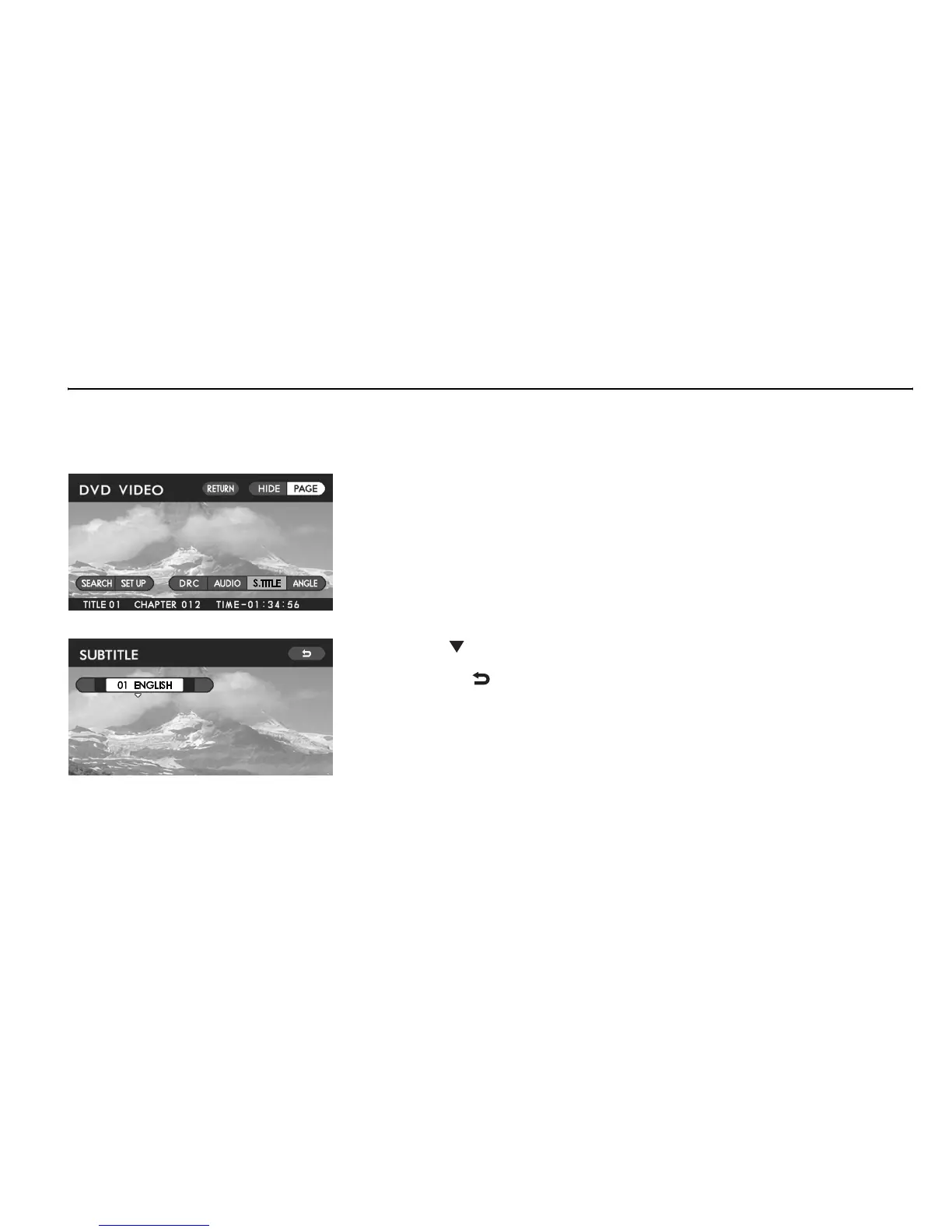
Method using screen and remote control:
Highlight the “S. TITLE” switch on the screen with the remote control joystick, then
press the “ENTER” button. The display will switch to the subtitle language selection
screen.
Click the “ ” end of the remote control joystick to highlight the desired language on
the screen, then press the “ENTER” button. To revert to the original video screen,
highlight the “ ” switch with the joystick, and then press the “ENTER” button.
Method using remote control alone:
Press the “SUB TITLE” button on the remote control. Refer to the above for the sub-
sequent operation.
NOTE
If you select “OFF” in the above operation, no subtitle is displayed on the
screen.
Playing Discs















 To Next Page