7.1. Inspection Mode
7. The example that utilized DTC
Activating inspection mode enables DTC diagnosis.
After repairing a DTC, activate the required inspection mode, and check to see if the function is
correctly restored and if a DTC is stored.
1. Use the SUBARU select monitor to clear the "Cockpit Control" memory.
2. Use the SUBARU select monitor to read the "Cockpit Control" DTC, and check that no DTC are
displayed.
If a DTC is displayed, then a malfunction continues to exist. Perform trouble
diagnosis of the displayed DTC. After repairing the DTC, repeat the process from step 1 above.
3. Turn the ignition switch ON and wait 1 minute or more.
4. Use the SUBARU select monitor to read the "Cockpit Control" DTC, and check that no DTC are
displayed.
< Example >
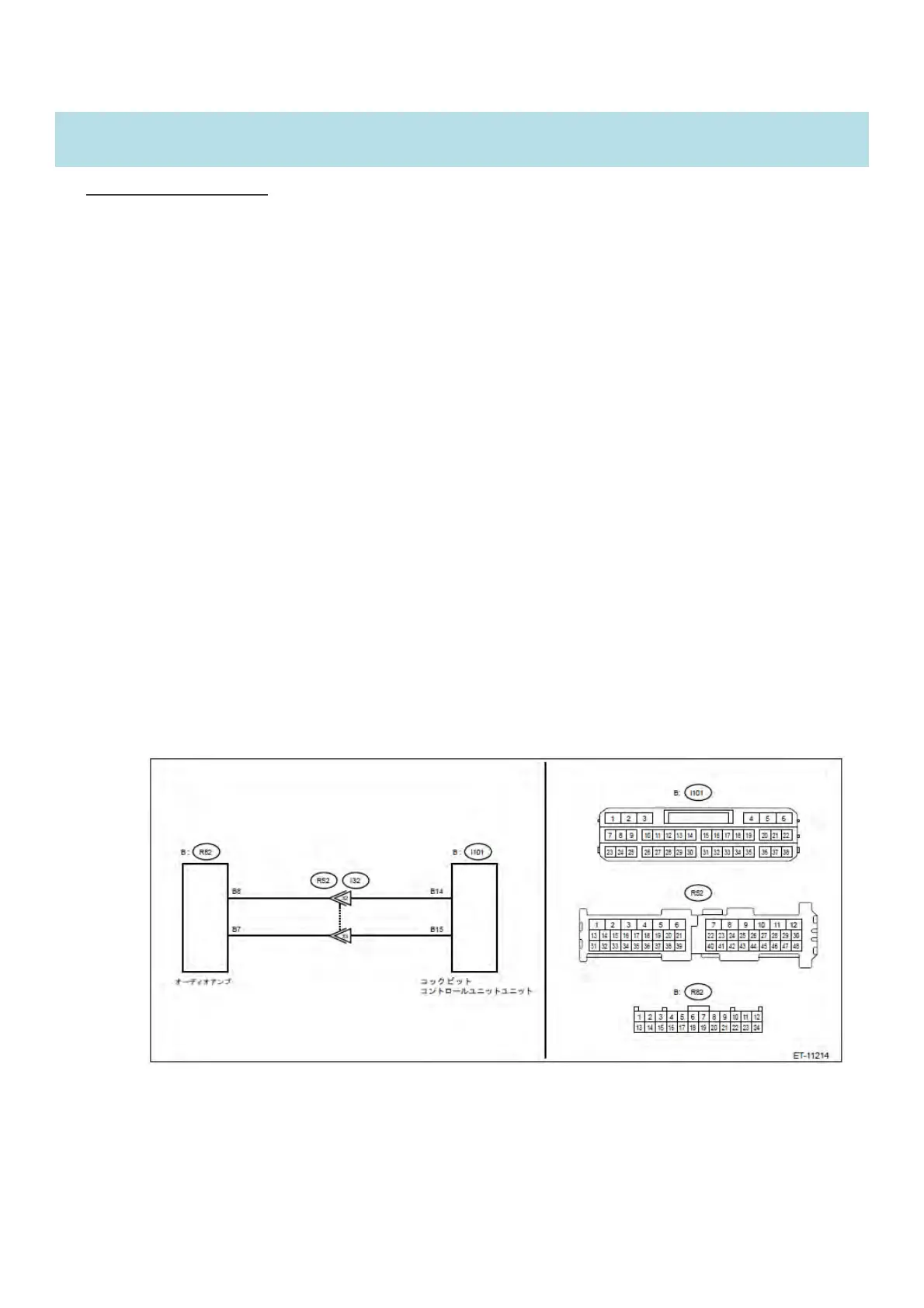
DTC B2244 [AMPLIFIER COMMUNICATION ]
DTC detection condition:
㻌 With the ignition switch turned to ACC ON, the DTC is detected if no communication
comes from the audio amplifier and a connection cannot be confirmed.
Trouble symptom䠖
㻌 The speaker does not output any audio.


 To Next Page
 Loading...