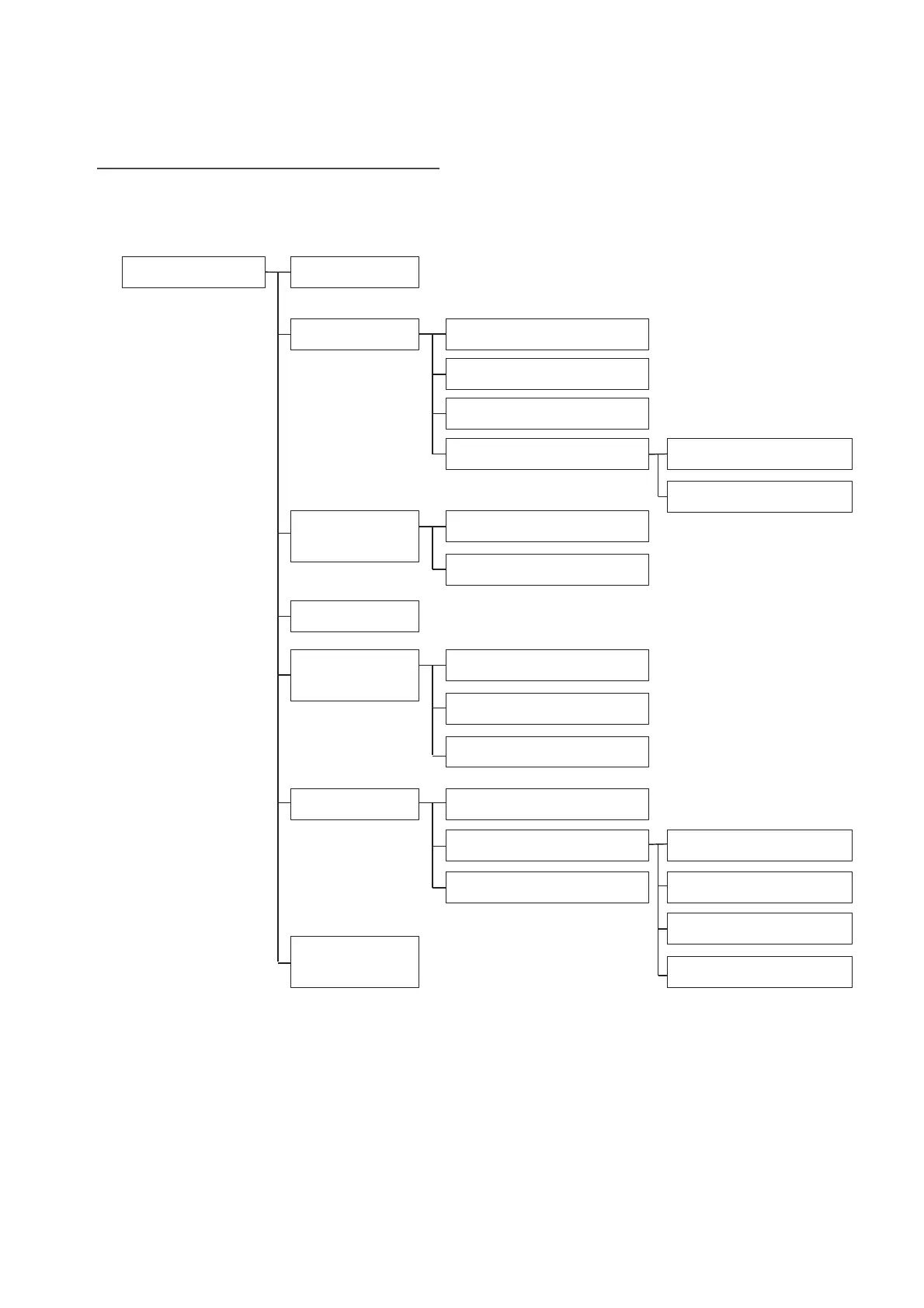
8.2. Dealership Mode Screen Transition
Dealership mode is accessed by by selecting the operation item from the seven items on the
menu, and can perform troubleshooting, function and information checks, and data collection.
Dealership Mode
Connection
Function Check Panel and Steering Switch
Touch Switch
Microphone
Navigation System Sensor
System Sensors Check
GNSS Information *2
System
Information
Product Information
Version Information
Settings
Diagnostics
Recorder
Begin Recording
Export Data to USB
Clear Recorded Data
Memory Initialization
Camera Setting
DMS Demo Mode *1
Software
Update
Restore Default
Static Guide Line*3
Caution
Camera Setting*3
*1: High grade models only.
*2: Excluding China and for high grade models only.
*3: For rear cameras connected by NTSC only limited to vehicles where installed.
Vehicle Signal


 To Next Page
 Loading...