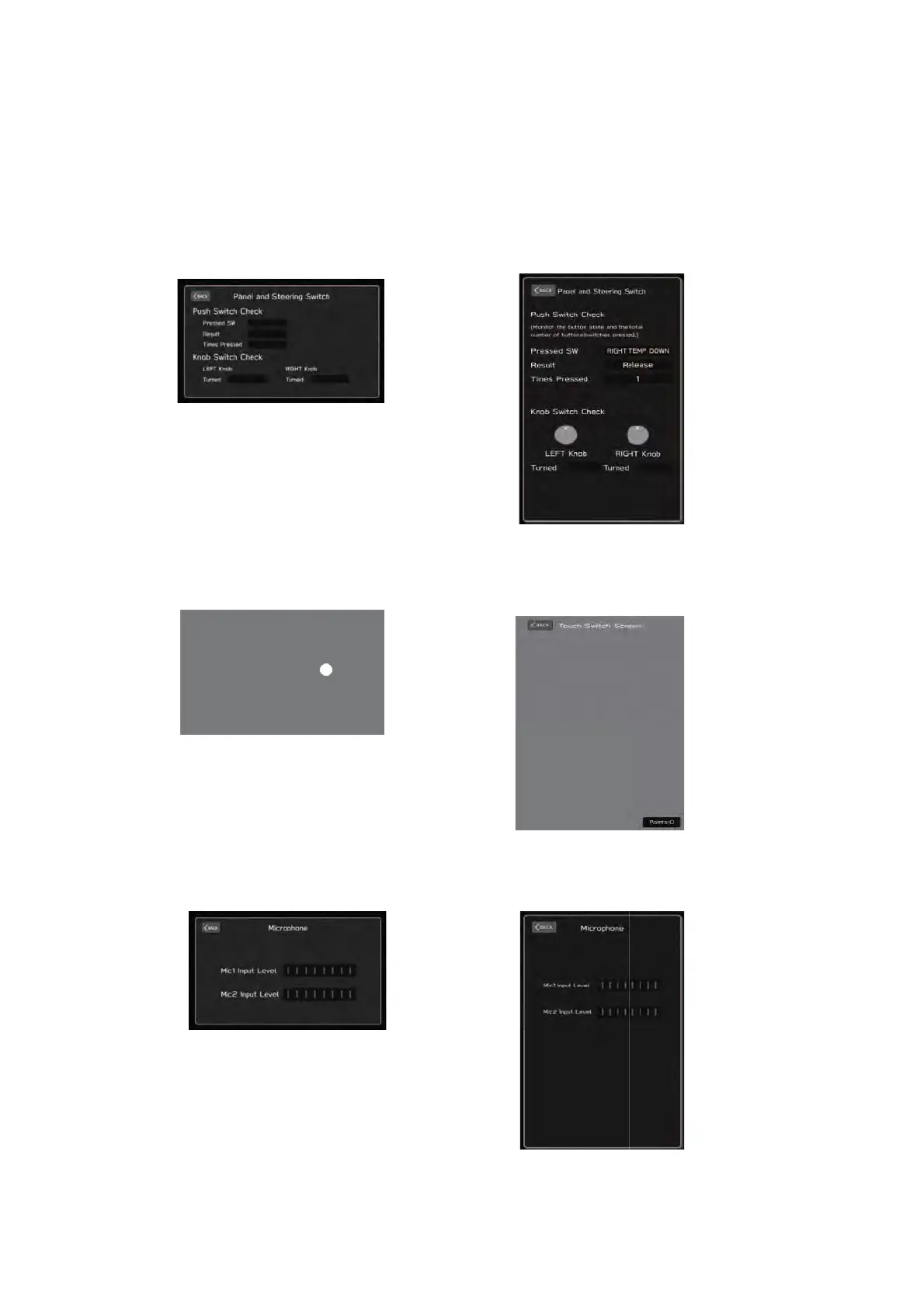
(3)-1.Panel and Steering Switch
Displays the switches and knobs of the Center Information Display (CID), and the
steering switch operation status.
(3)-2.Touch Switch
Displays the touch panel operation status of the Center Information Display (CID).
(3)-3.Microphone
Displays the operation status of the map lamp mounted microphone.
(Lower Screen)
(Upper/Lower Screen)
(Lower Screen)



 To Next Page