9.4 NFC does not operate
(1) Probable Cause
ͻ CCU abnormality or CID abnormality
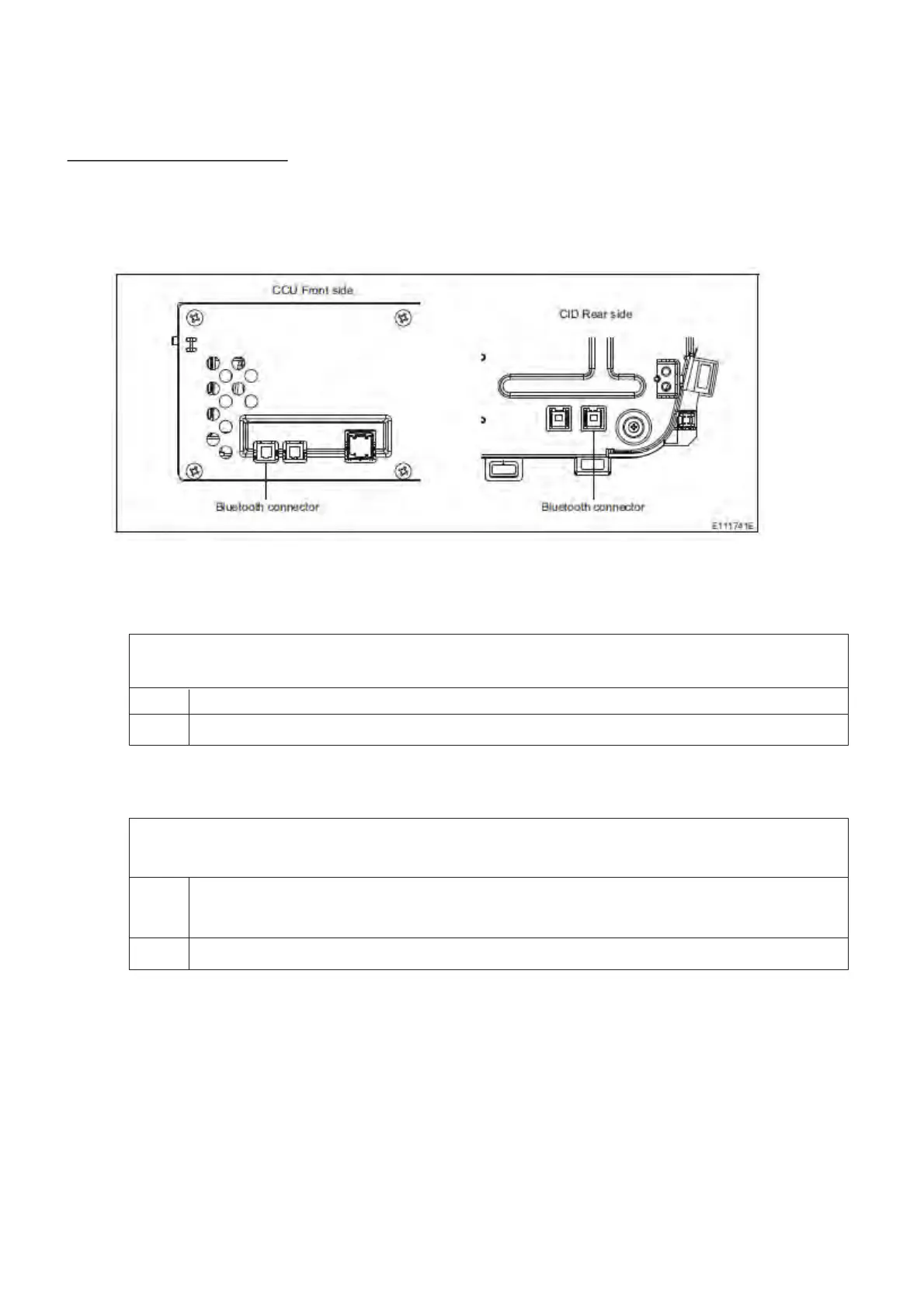
(2) Wiring Diagram/Connector Diagram
(3)Diagnostic Procedure
1. Check the DTC
ͻ Confirm whether the following DTC have been detected
B2249: Bluetooth Module
No Proceed to step 2
Yes If these DTC are detected, proceed to the countermeasure for each DTC
2. Check the connection
ͻ Confirm whether the Bluetooth cable connector connecting the CCU and CID is correctly
connected or damaged
No ͻ Insert and remove the Bluetooth cable and check again.
ͻ If there is any damage, replace the Bluetooth cable and check again.
Yes Proceed to step 3



 To Next Page