VDC-261
VDC (DIAGNOSTICS)
DIAGNOSTICS CHART WITH SELECT MONITOR
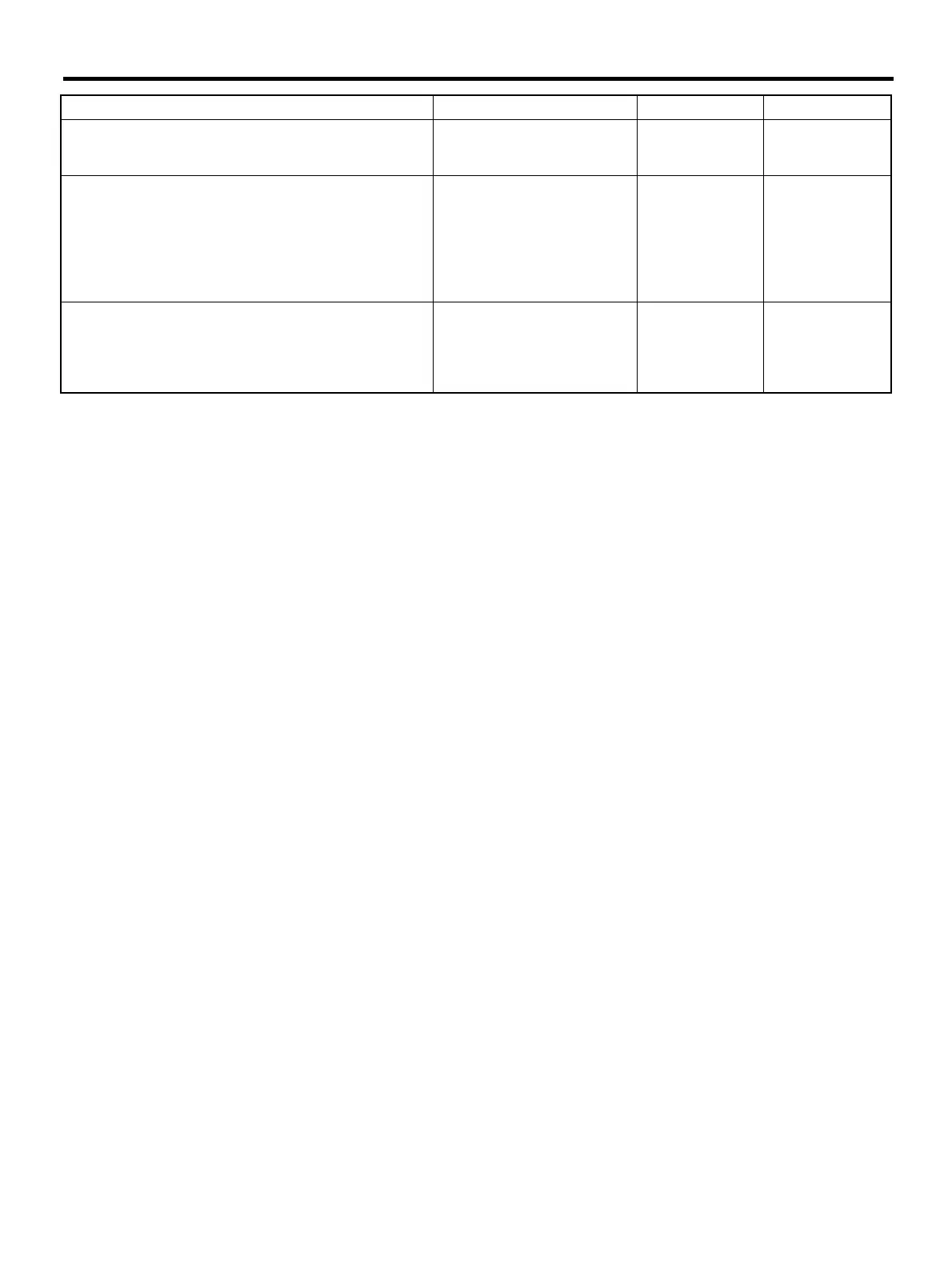
12 CHECK POOR CONTACT IN CONNECTORS.
Is there poor contact in connector between
VDCCM and yaw rate and lateral G sensor?
There is poor contact. Repair connector. Go to step 13.
13 CHECK VDCCM.
1) Connect all connectors.
2) Erase the memory.
3) Perform inspection mode.
4) Read out the diagnostic trouble code.
Is the same diagnostic trouble code as in
the current diagnosis still being output?
Same pattern. Replace VDCCM.
<Ref. to VDC-8,
VDC Control Mod-
ule (VDCCM).>
Go to step 14.
14 CHECK ANY OTHER DIAGNOSTIC TROU-
BLE CODES APPEARANCE.
Are other diagnostic trouble codes being out-
put?
Other DTC indicated. Proceed with the
diagnosis corre-
sponding to the
diagnostic trouble
code.
A temporary poor
contact.
Step Value Yes No











 To Next Page