English - 2 -
the reach of the babies, children and domestic animals.
Carefully attach the stand to the TV. If the stand is
prevent the TV from tilting. Do not over-tighten the
screws and mount the stand rubbers properly.
Warning: Batteries must not be exposed to excessive
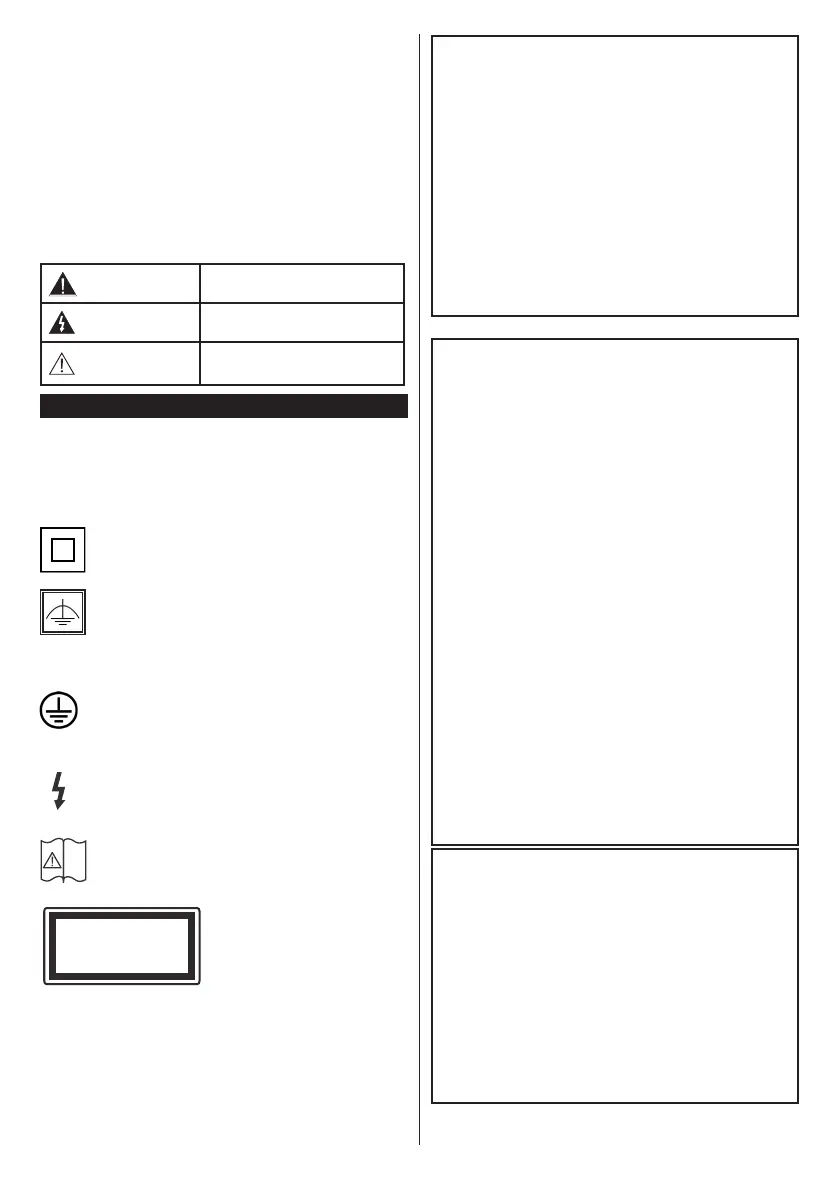
Caution
Serious injury or death risk
Risk of electric shock
Dangerous voltage risk
Maintenance
Important maintenance
component
Markings on the Product
The following symbols are used on the product as
a marker for restrictions and precautions and safety
instructions.
Note
such information for security reasons.
Class II Equipment: This appliance is
designed in such a way that it does not require
a safety connection to electrical earth.
Class II Equipment With Functional
Earthing: This appliance is designed in such
a way that it does not require a safety
connection to electrical earth, the earth connection is
used for functional purposes.
Protective Earth Connection: The marked
terminal is intended for connection of the
protective earthing conductor associated with
the supply wiring.
Hazardous Live Terminal: The marked
operating conditions.
Caution, See Operating Instructions: The
marked area(s) contain(s) user replaceable
coin or button cell batteries.
Class 1 Laser Product:
This product contains Class
1 laser source that is safe
under reasonably foreseeable
conditions of operation.
i
CLASS 1
LASER PRODUCT
WARNING
-
lead to death.
If the battery compartment does not close secu-
-
WARNING
-
Using cabinets or stands recommended by the
manufacturer of the television set.
Only using furniture that can safely support the
television set.
Ensuring the television set is not overhanging the
edge of the supporting furniture.
Not placing the television set on tall furniture
(for example, cupboards or bookcases) without
anchoring both the furniture and the television set
to a suitable support.
Not standing the television set on cloth or other
materials placed between the television and
supporting furniture.
Educating children about the dangers of climbing
on furniture to reach the television set or its
controls. If your existing television set is being
retained and relocated, the same considerations
as above should be applied.
WALL MOUNTING WARNINGS
Read the instructions before mounting your TV
on the wall.
The wall mount kit is optional. You can obtain from
your local dealer, if not supplied with your TV.
Do not install the TV on a ceiling or on an inclined
wall.
accessories.
the TV from fall. Do not over-tighten the screws.



 To Next Page