English - 21 -
Connectivity
Wired Connectivity
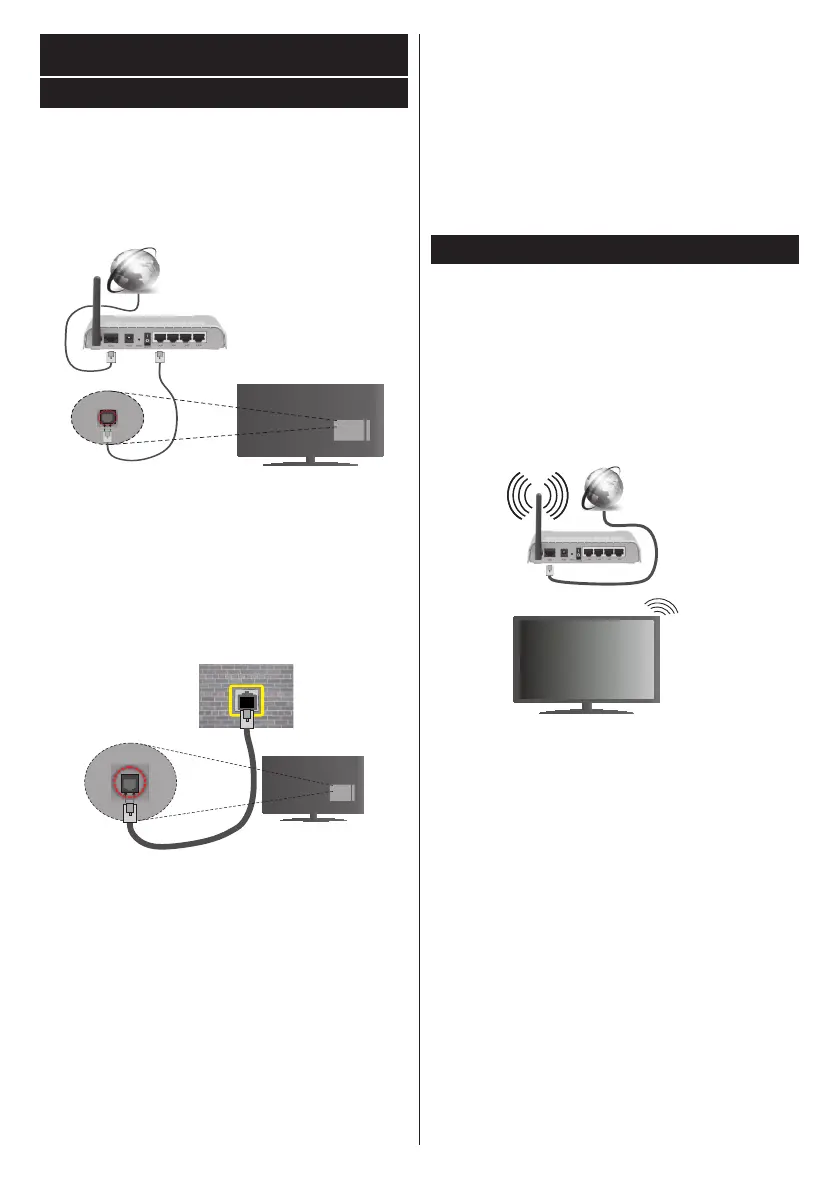
To Connect to a Wired Network
You must have a modem/router connected to an
(back) of your TV.
Broadband ISP connection
LAN (ethernet) cable
LAN input on the rear
side of the TV
System>Settings Menu.
a case, use an ethernet cable to connect your TV
LAN input on the rear
side of the TV
network
wall socket
Network Type
The Network Type can be selected as Wired Device,
Wireless Device or Disabled, in accordance with the
active connection to the TV set. Select this as Wired
Device if you are connecting via an ethernet cable.
Internet Speed Test
Internet Speed Test and press the OK but-
Advanced Settings
Advanced and press the OK
button. On the next screen you can change the IP
from to Manual. Now you can enter the
Manual IP and / or Manual DNS values. Select the
Press the OK
Wireless Connectivity
To Connect to a Wireless Network
The TV cannot connect to the networks with a hidden
SSID. To make your modem’s SSID visible, you should
change your SSID settings via the modem’s software.
to the Network/Internet Settings section in the
System>Settings Menu.
Broadband
ISP
connection
A Wireless-N router (IEEE 802.11a/b/g/n) with
wireless gaming.



 To Next Page