EasyManua.ls Logo

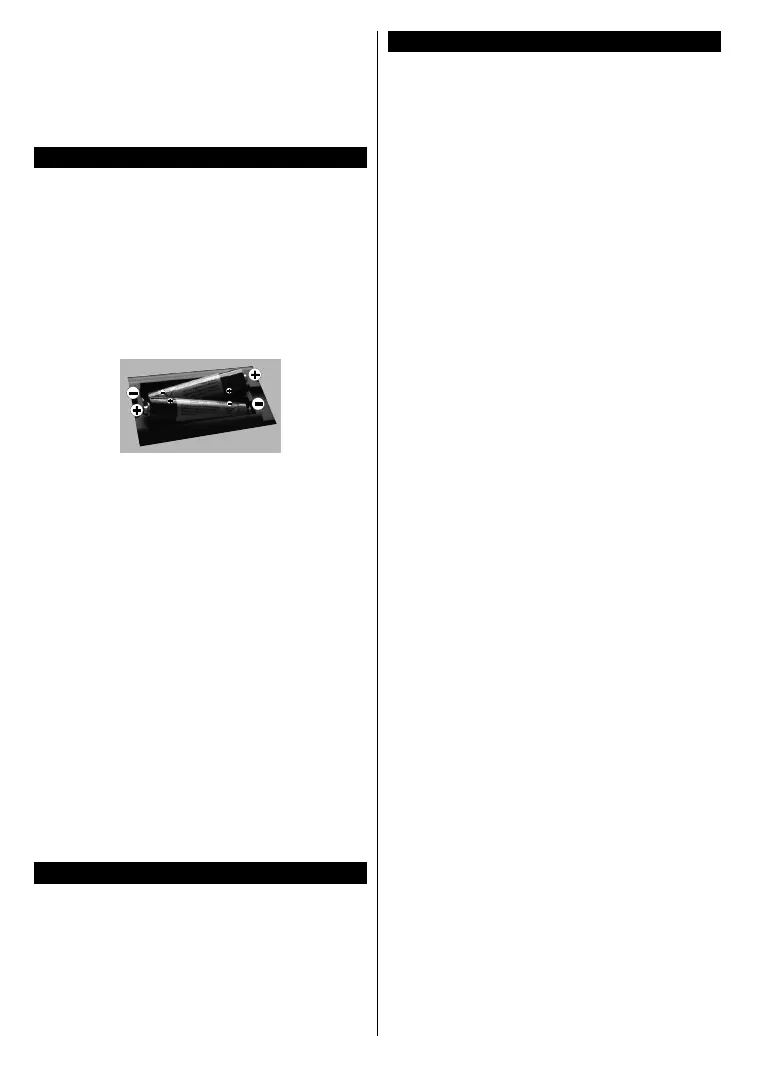
SULPICE TV IPTV32SULP3FHD110DW - Connect Power; Inserting the Batteries into the Remote; Switching On;Off

Default Icon
Print Icon
To Next Page IconTo Next Page
To Previous Page IconTo Previous Page
Loading...
- 4 -

󰀨


 


      



      











      

         


   

       








        

󰀨




     or a



󰀨



     

Note: When the TV is switched into standby mode, the
standby LED can blink to indicate that features such as
Standby Search, Over Air Download or Timer is active. The
LED can also blink when you switch on the TV from standby
mode.

Table of Contents

Related product manuals