14
Try to operate.
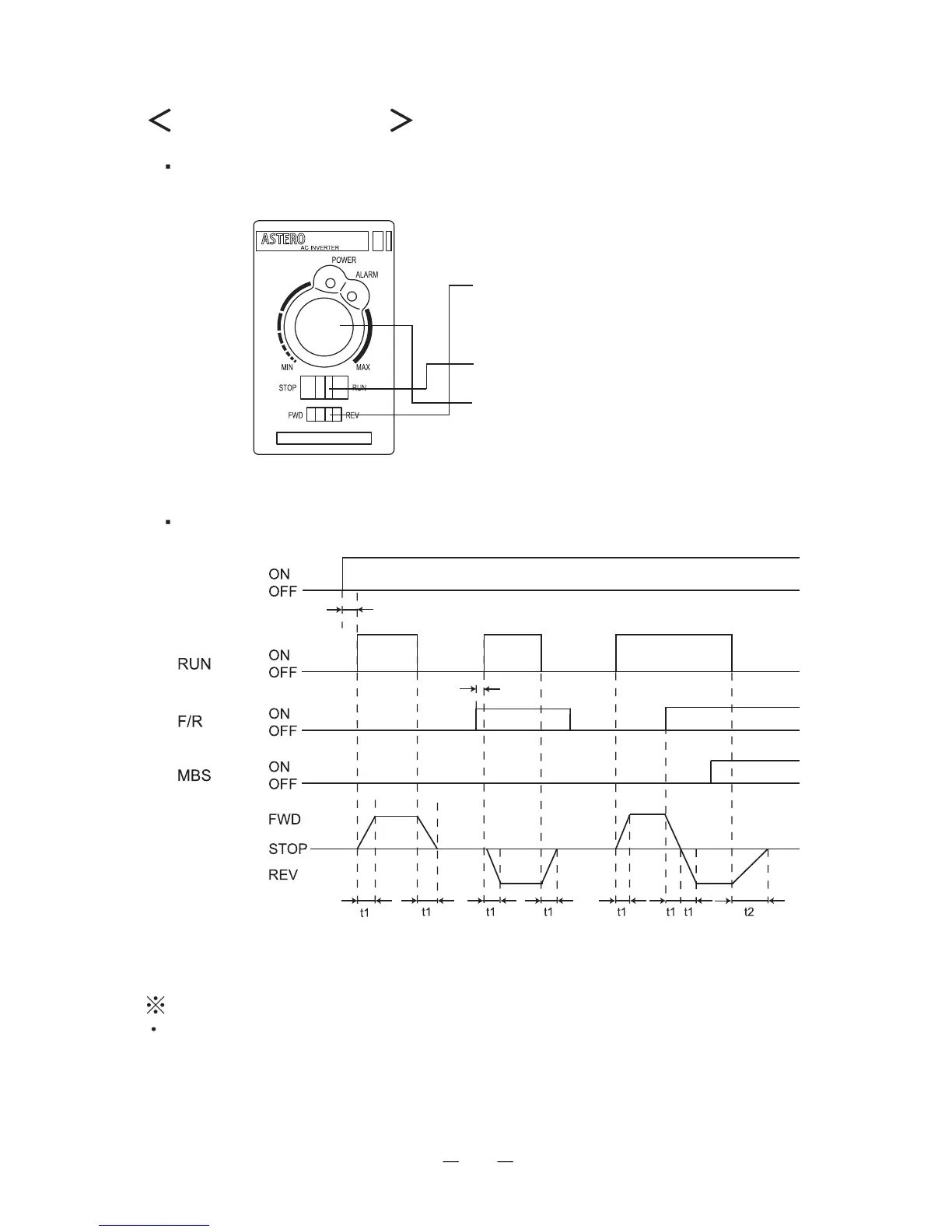
When using the front panel for operation
When using the EXT mode for operation
Front
Caution to be exercised when external speed setting is used
The EXT mode permits the front panel volume to control the
speed during external speed control. The set frequency at that
time is the total of respective set frequencies. Set "MIN" when
the front panel volume is not used.
Step 1 Primary power ON
(Power LED ON)
Step 2 Determine the direction
of rotation.
(FWD or REV)
Step 3 Set to RUN.
Step 4 Set the speed of rotation.
(Adjust)
(Unnecessary when the
speed is set in advance.)
L1: accel/decel set time
L2: Natural stop time
Primary power
Motor operation
Until POWER lamp ON



 To Next Page