2. If not already shown, grab a small pointed object and
hold the reset button (RST) on the back of the IP
camera
until only the blue LED remains. Give it about 20
seconds before proceeding to the next step
3. Download and launch RXCamview from the App
Store or Play Store.
4. Click the human icon on the top left and then click
on Device List.
* For initial setup, please place the IP camera
close to the wireless router. After setup, you can
move the IP camera away. We recommend switching
your Wi-Fi network initially to 2.4GHz for initial
setup.
Setup Instructions
IP-CAM-726-A28P
When Connected Standalone Wirelessly
1. If connected standalone without a NVR, connect a
12V power adapter from the DC jack to an outlet.
Wireless IP Camera, 2.8mm Lens, H.265 (with
PoE, PIR, Floodlight, and Two-Way Audio)
Power Adapter
Reset
Button

 Need help?
 General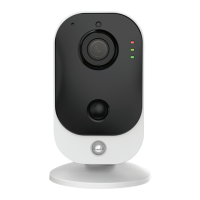

 To Next Page