Access my sales history on the SumUp profile
1. On your SumUp profile, select the "Home" tab in the left-hand panel.
2. Choose "Sales" to view your sales history.
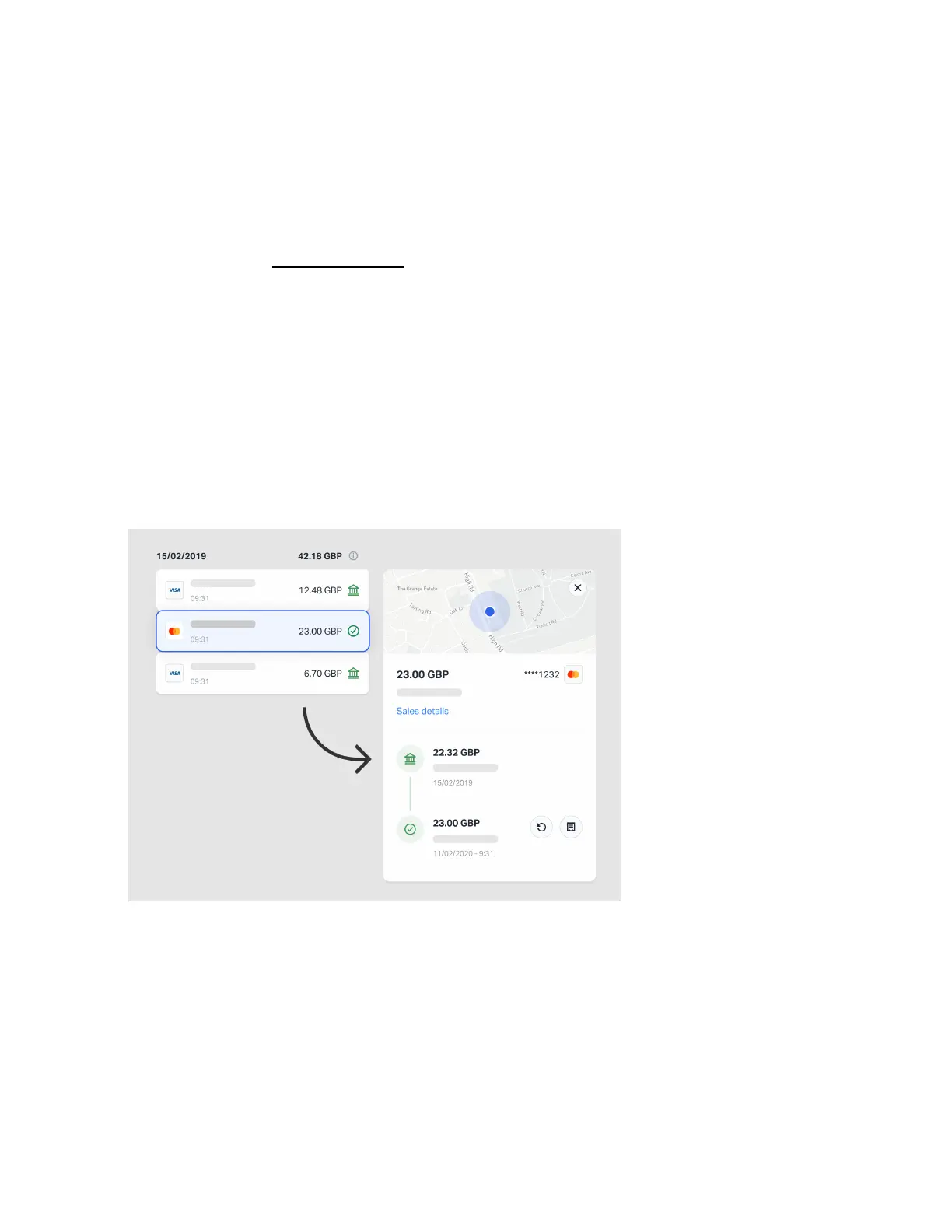
3. Click on an individual transaction to view its details. A popup on the
right will also display the transaction and payout timeline, as well as
all items sold.
To search for individual transactions you can use the filter options or enter
the transaction code in the search bar at the top right corner.


 To Next Page