EasyManua.ls Logo

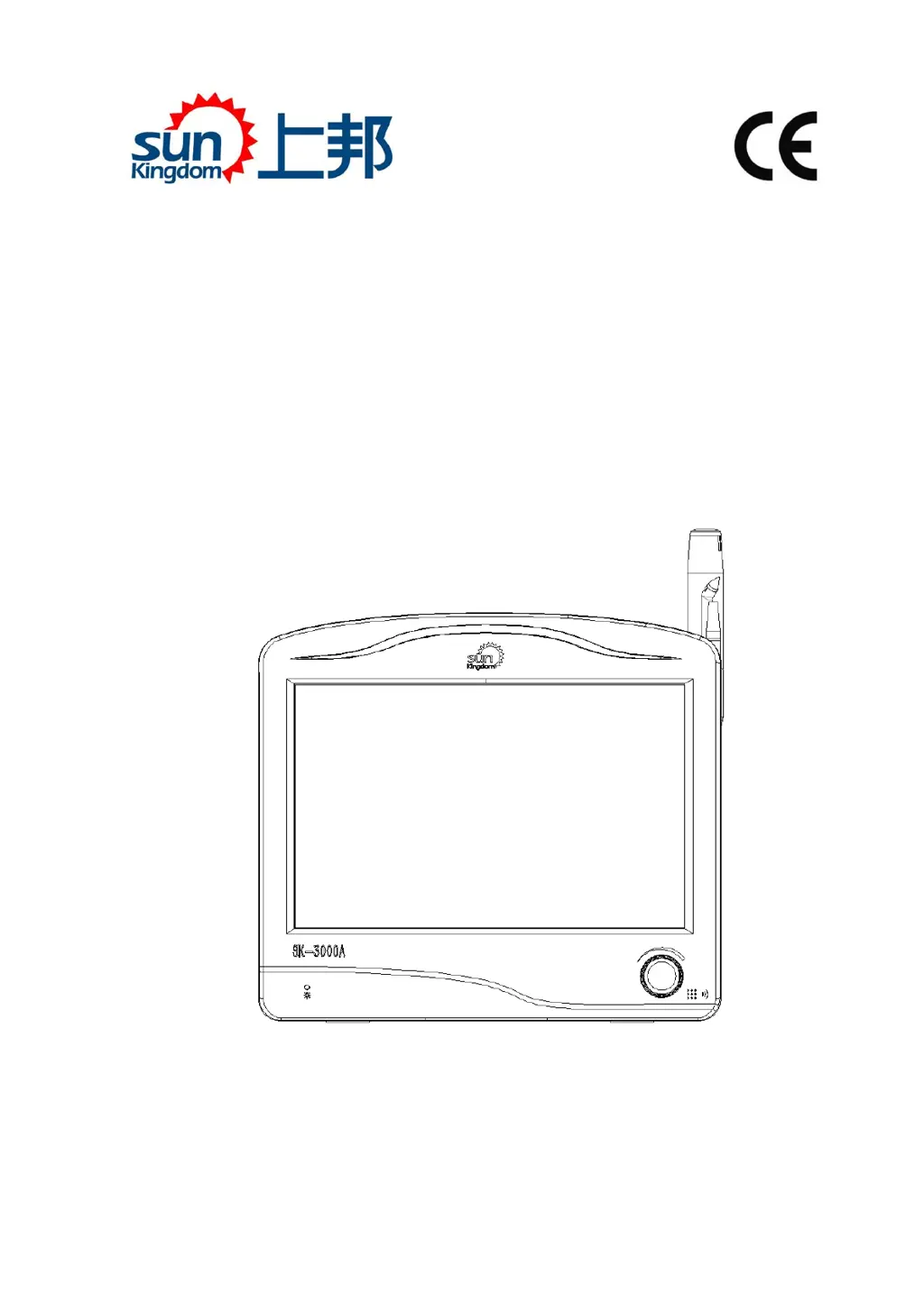
Sun Kingdom SK-3000A - User Manual

Sun Kingdom SK-3000A
65 pages
Print Icon
To Next Page IconTo Next Page
Loading...
Instruction For Use
Ophthalmic Ultrasound
SK-3000A
Chongqing Sunkingdom Medical Instrument Co., Ltd
File No.: IFU- EN-OU-3000A
Version: V200518

Table of Contents

Questions and Answers

  • Q
    qstewartAug 11, 2025
    What to do if Sun Kingdom SK-3000A can't freeze data in measuring?
    • A
      Adrian MilesAug 11, 2025
      If you can't freeze data while measuring with your Sun Kingdom Scanner, the issue might be due to incorrect lens mode selection. Try re-selecting the lens mode. Also, the gain value could be too high or too low, so adjust the gain value. If the scanner can't reach automatic calibration conditions, switch to manual calibration mode.
  • T
    Tim BrownAug 20, 2025
    Why Sun Kingdom Scanner can’t collect data?
    • T
      Travis BradshawAug 20, 2025
      If your Sun Kingdom Scanner isn’t collecting data, the foot pedal connection might be faulty. Try reconnecting or replacing the foot pedal. Alternatively, you can use the function icon on the screen to collect data.
  • W
    williamssheilaAug 30, 2025
    How to fix no normal reflection echogram on Sun Kingdom Scanner?
    • A
      Alex SmithAug 30, 2025
      If you're experiencing no normal reflection echogram on your Sun Kingdom Scanner, the probe may not be connected properly or it might be damaged. Try reconnecting the probe or replacing it with a new one.

Sun Kingdom SK-3000A Specifications

General IconGeneral
Color Depth48-bit
InterfaceUSB 2.0
Scan TypeFlatbed
Weight3.5 kg
Supported Operating SystemsWindows