27
Standard Operation
■
Power On/Off
Whentheswitchison,thebatteryispoweredon;whenitis
off,thebatteryispoweredoff.
■
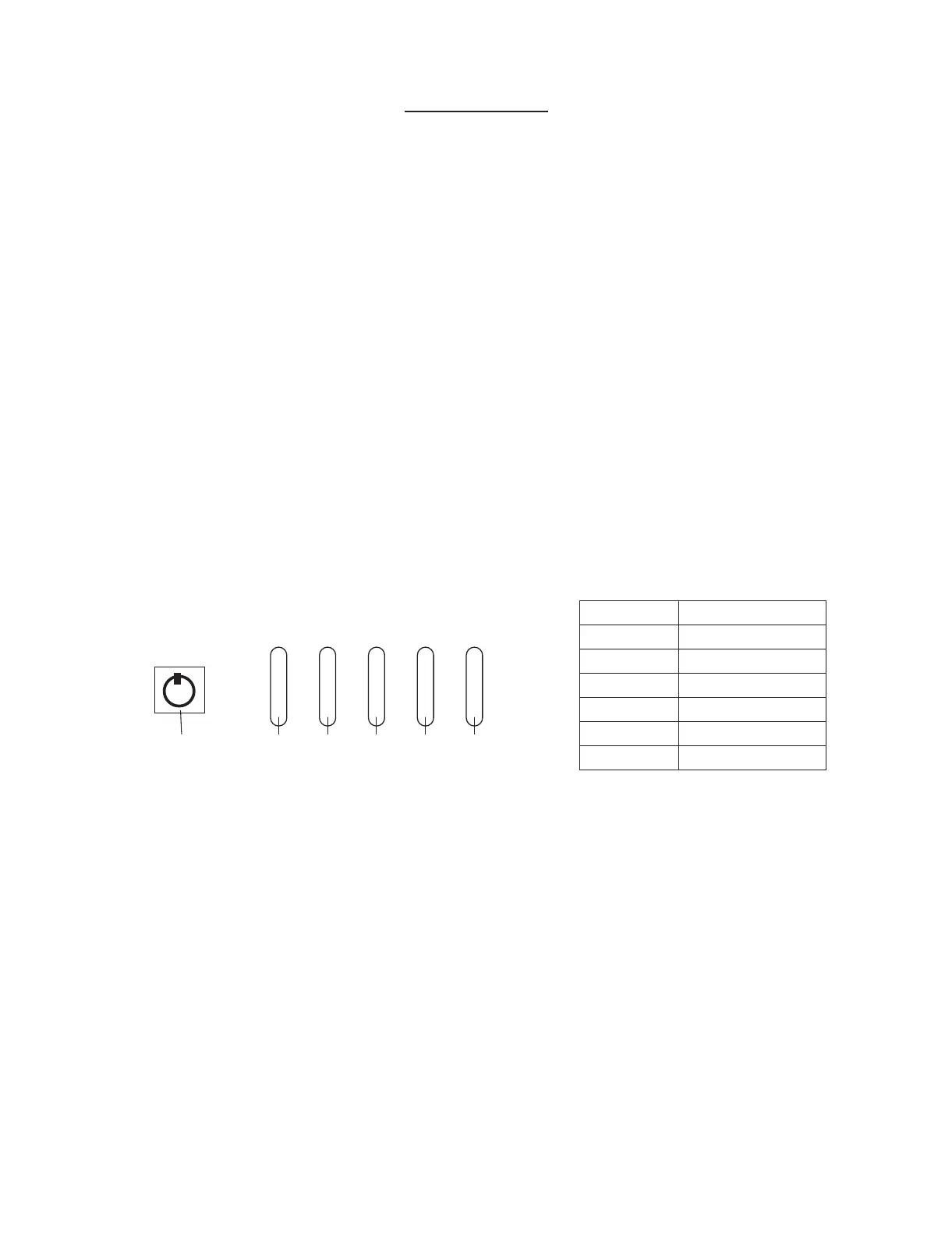
Power Display Description
Toturnon,presspowerswitchfor5secondstowakeupthe
system,pressthebatterydisplaybuttonandtheremaining
batterychargewillbedisplayedontheLEDindicators.When
thebatteryentersthelowvoltageprotectionstateorthe
powerswitchisturnedoff,theLEDdisplaywillnotlightup.
■
Automatic Shutdown
Iftheoutputvoltageislow(30Vfor10secondsor27.5Vfor1
second),thebatterywillautomaticallycutoff.Wakingupthe
batterycanbedoneinthefollowingways,
1. Presspowerswitchfor5secondstorestart
2. Chargethebattery.
10% 20% 40% 60% 80%
BATTERY
PowerDisplayButton
SOC LED state
≤10% OneLEDFlashing
11-19% One LED ON
20-39% Two LEDS ON
40-59% Three LEDS ON
60-79% Four LEDS ON
>80% Five LEDS ON



 To Next Page