Document No. 8128000560
Software Revision – N1B (07 Oct 04)
7-29
RT-9000 B
RT-9000 B Transceiver
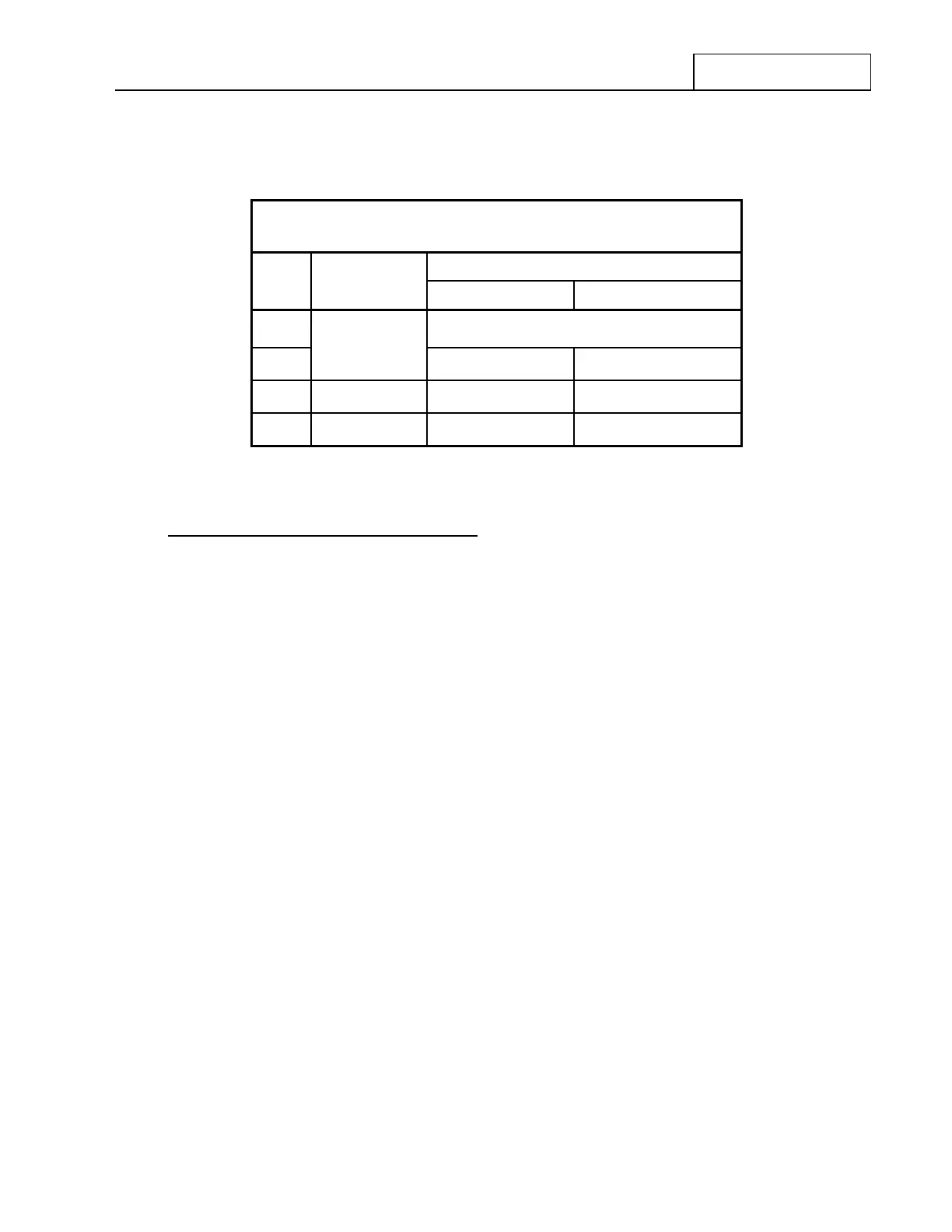
Receive BITE (‘RX-BITE) – Test Details
Test Result Messages
Test
Order
Module Under
Test
No Fault found Fault found
1
‘RX BITE IN PROGRESS’
(Accompanied by brief loud speaker tone)
2
Audio PCB
‘AUDIO OK’ ‘AUDIO FAULT’
3 IF PCB
‘IF OK’ ‘IF FAULT’
4 Front End PCB
‘FRONT END OK’ ‘FRONT END FAULT’
If a Receive BITE (RX-BITE) FAULT is found
The following actions will typically occur when a Fault is found:
1. The Receiver BITE (‘RX - BITE’) test routine will halt.
2. A Module Fault message will be displayed at 4 in the Operational Display .
3. The Red ‘FAULT’ lamp on the Front Panel at 5 will be lit.
Proceed to Section V of this manual for fault isolation and repair procedures.
After this test is completed, the User may do the following:
• Repeat the Receive BITE test. Depressing the ‘RX-BITE’ key again at 1 as shown in Figure 7.3.3.2
will cause the Receive BITE test routine to repeat.
• Exit BITE mode. Depressing the ‘END’ key at 3 will return to the main menu and resume normal
operation.
• Proceed to the Transmit BITE (‘TX-BITE’) or Coupler BITE (‘CU-BITE’) test routines covered in the
following sections.


 To Next Page
 Loading...
