Document No. 8128000560
Software Revision – N1B (07 Oct 04)
7-76
RT-9000 B
As each Sounding transmission is received, the Receiver will stop scanning and display the received signal
characteristics. When the Sounding station briefly stops transmitting to change to the next Sounding
frequency, the Receiving station will momentarily resume scanning until receiving the new frequency and
then stop scanning again. If the Sounding station transmits using any transmitting frequency(s) the Receiver
does not have, the Receiver will merely revert to scanning while those transmissions are occurring but stop
again when receiving the remaining Sounding transmissions. Due to signal processing delays, the displayed
LQA value is actually that of the previous Sounding frequency immediately preceding the current one.
When the Sounding transmission concludes, the Receiver Operational Display will continue to display the last
received Sounding transmission information until more recent ALE activity overwrites it or the operator leaves
ALE mode.
Figure 7.3.4.23 ALE Sounding – Receiving Station Display
7.3.4.5.3 Automatically Transmitting a SOUND
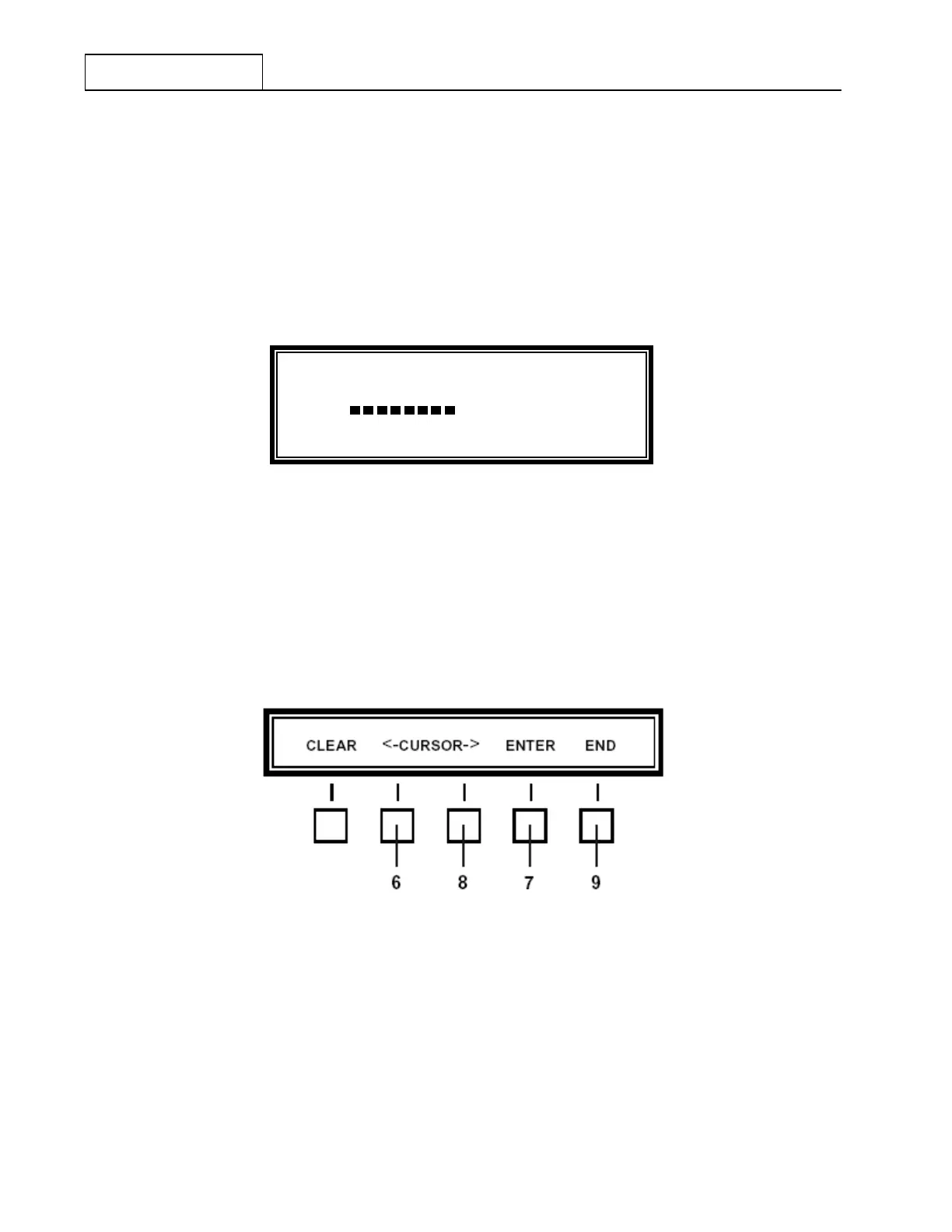
Automatic Sounding capability is available and automates the Sounding process. Depressing the ‘TMR-SET’
(Timer Setting) key at 5 as shown in Figure 7.3.4.21 will cause the Feature Menu shown in Figure 7.3.4.24
to appear. Automatic Sounding may be programmed to occur from 1 to 90 minutes in one-minute steps.
Figure 7.3.4.24 ALE Sounding - ALE Automatic Sounding Timer Feature Menu
The Operational Display will briefly display an 'ENTER CODE WITH DIAL' message and will automatically
change to:
'XX TIME INTERVAL'
Where, XX = Current Sounding Timer Setting
RC
MHZ
FUNCTION/
STATUS
CH 009.16717
SO SUN1 F
METER
S3 S6 S9 +20 +40 +60
20 60 100 150 FWD


 To Next Page
 Loading...
