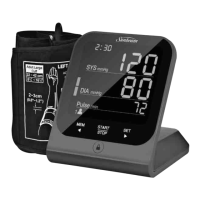
HOW TO USE YOUR SUNBEAM DIGITAL
BLOOD PRESSURE MONITOR
I
I
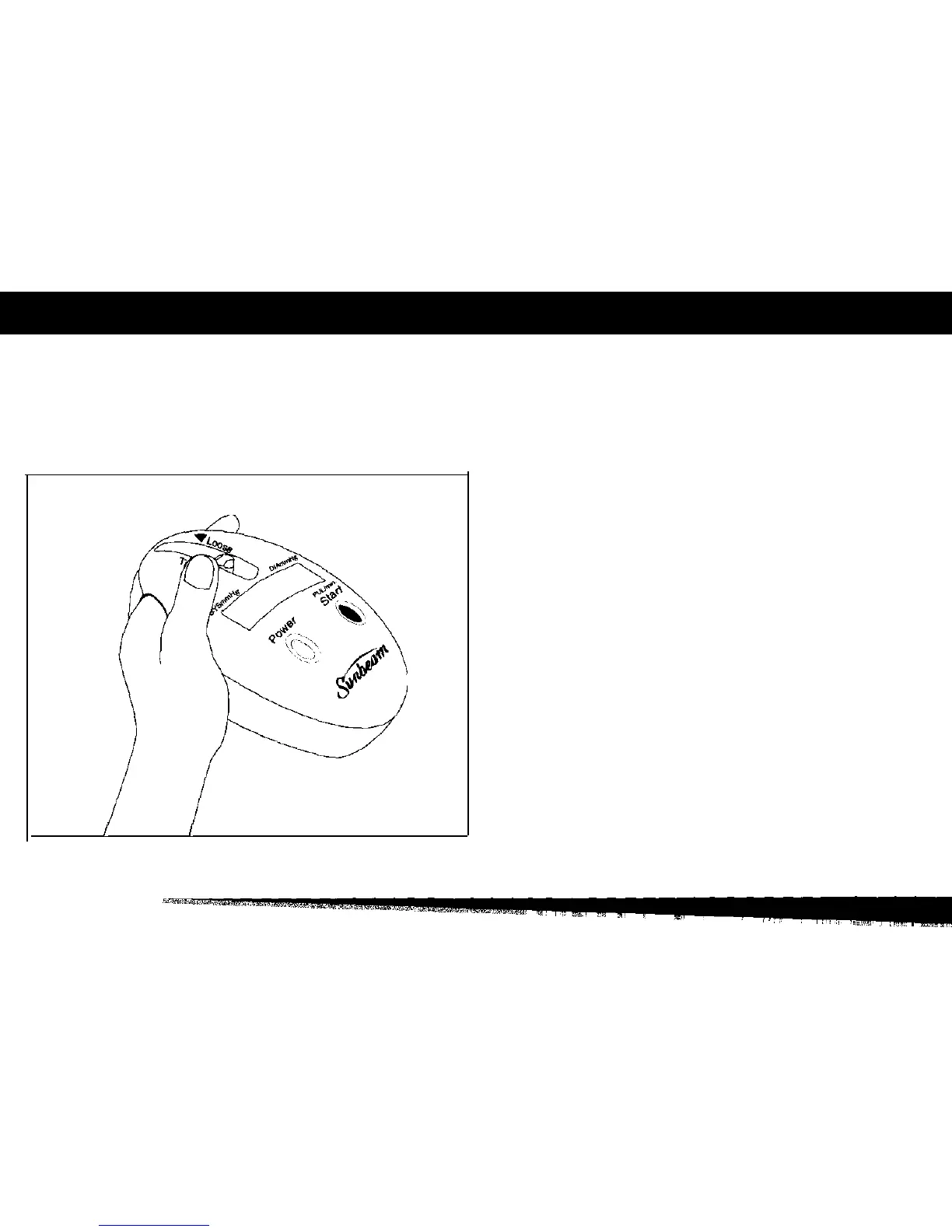
Figure 2
1.
Slide the
Cuff-Size
Adjuster to top (Loose) position to
open the Finger Cuff fully.
2. Insert your left index finger fully into the Finger Cuff.
(Use of alternate finger will result in an improper read-
ing.) Left finger is preferred but right finger is acceptable.
(fig. 2) Be sure your finger is warm and relaxed. (If your
finger is cold, an improper reading will result.)



 To Next Page