EasyManua.ls Logo

Sunbeam COOL TOUCH 3 - User Manual

Sunbeam COOL TOUCH 3
12 pages
Print Icon
To Next Page IconTo Next Page
Loading...
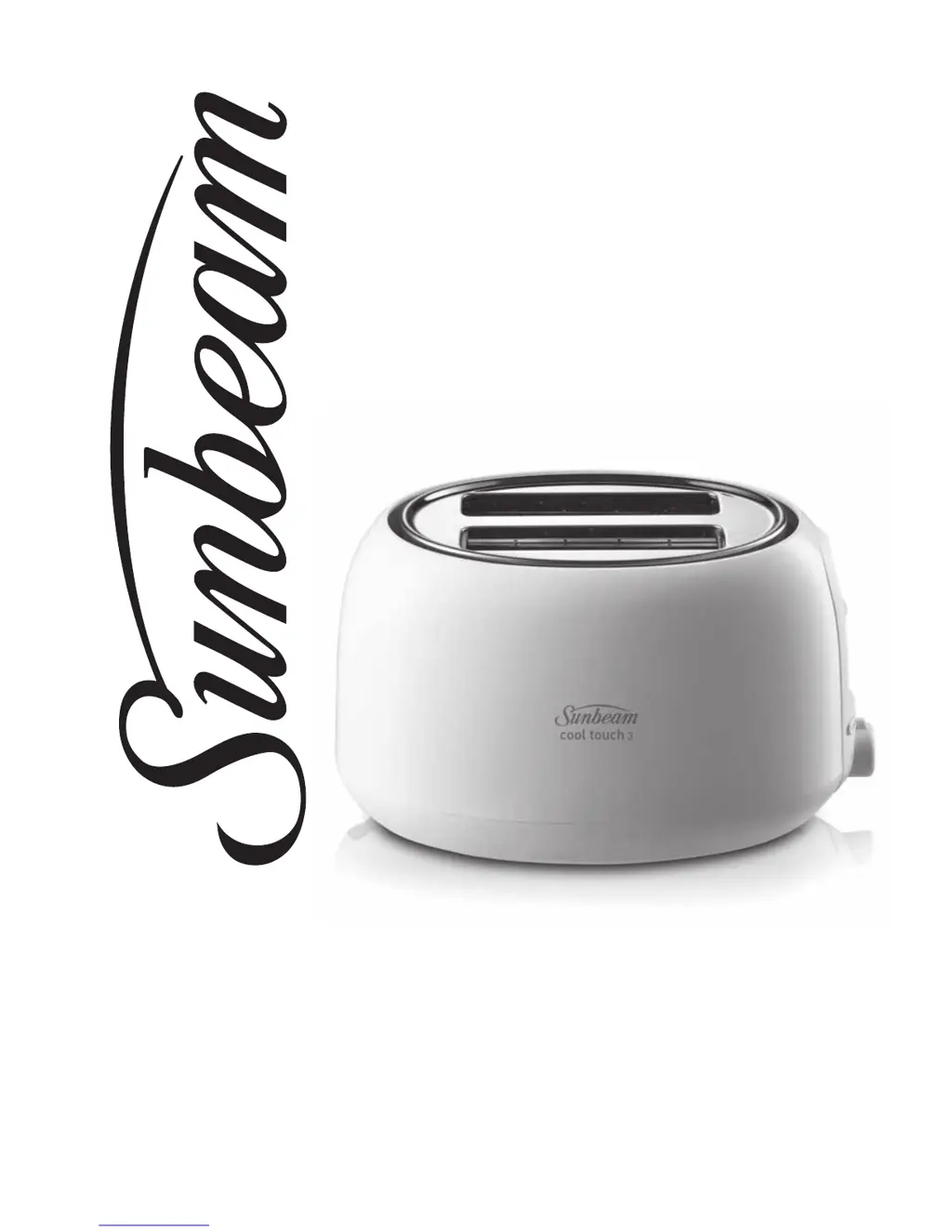
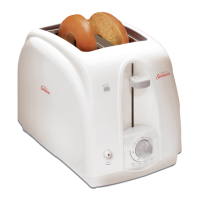
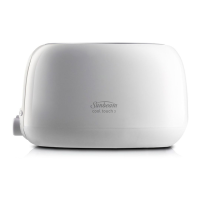
COOL TOUCH 3
2 SLICE TOASTER
User Guide
TA1211

Questions and Answers

  • R
    Ricardo WiseJul 28, 2025
    How to use the high lift lever on my Sunbeam COOL TOUCH 3?
    • A
      awarnerJul 28, 2025
      If the toast isn't popping up high enough in your Sunbeam Toaster, especially with smaller bread slices, use the high lift lever function to lift the bread higher for easy removal.
  • M
    Matthew BowmanAug 2, 2025
    What to do if my Sunbeam Toaster smells burnt or is smoking?
    • C
      Charles JonesAug 2, 2025
      If you notice a burning smell or smoke coming from your Sunbeam Toaster, it's likely due to food remnants. First, consult the CARE AND CLEANING section for detailed instructions. Ensure the crumb tray is empty and clean. Also, check for any large crumbs stuck in the slots. To remove these, unplug the toaster, turn it upside down over the sink, and shake to dislodge any debris.
  • A
    aharrisAug 8, 2025
    Why is my Sunbeam COOL TOUCH 3 Toaster not heating up?
    • K
      karen67Aug 8, 2025
      If your Sunbeam Toaster isn't heating, first, verify that the electrical outlet is working and that the toaster is properly plugged in. Unplug the toaster and firmly re-insert the plug. To test it, select a setting and depress the toast control lever with nothing inside the toaster.
  • S
    Sabrina RodriguezAug 14, 2025
    Why is my Sunbeam COOL TOUCH 3 Toaster burning the second batch of toast?
    • R
      Richard TerryAug 15, 2025
      If your second batch of toast is consistently too dark in your Sunbeam Toaster, the setting might be too high from the previous toasting. Try selecting a lower setting than you used before when doing repeated toasting.
  • P
    patrick84Aug 19, 2025
    What to do if my Sunbeam COOL TOUCH 3 keeps tripping the RCD?
    • J
      Jose JonesAug 20, 2025
      If your Sunbeam Toaster is tripping the RCD (Residual Current Device), unplug it immediately and check for any materials, like raisins, inside the unit that may be shorting the heating element. If the toaster is clean and it still trips the RCD, stop using it and contact customer service.

Summary

Sunbeams Safety Precautions

Features of your Cool Touch 3 Toaster

Toaster opening

Enables you to toast a variety of breads.

Electronic toasting intensity dial

The Cancel button interrupts toasting and pops up the toast.

Removable crumb tray

Pulls out from underneath for easy removal of crumbs.

Toaster Functions

Stop button

Immediately stops toasting cycles and pops up the toast.

High-lift lever

Lifts small pieces of bread to prevent burning fingers.

Defrost Feature

Used to toast frozen bread according to the chosen setting.

Reheat button

Starts a 30-second cycle for reheating toast at any time.

Using your Cool Touch 3 Toaster

Toasting Tips

Care and Cleaning

To clean the exterior

Wipe exterior with a damp cloth and polish with a dry cloth. Avoid abrasives.

Removable Crumb Tray

Clean the crumb tray regularly to prevent fire hazards.

To clean the toaster interior

Unplug, turn upside down, and shake out crumbs from the interior.

Troubleshooting Guide

12 Month Replacement Guarantee

Need help with your appliance?

Sunbeam COOL TOUCH 3 Specifications

General IconGeneral
BrandSunbeam
ModelCOOL TOUCH 3
TypeToaster
Number of Slices2
Cool Touch ExteriorYes
Crumb TrayYes
Variable Browning ControlYes
Shade Settings7
Extra-Wide SlotsYes
Cancel ButtonYes
Removable Crumb TrayYes
Cord StorageYes
ColorWhite
Power900 Watts

Related product manuals