EasyManua.ls Logo

Sunbeam PE6100 Aviva - User Manual

Sunbeam PE6100 Aviva
56 pages
Print Icon
To Next Page IconTo Next Page
Loading...
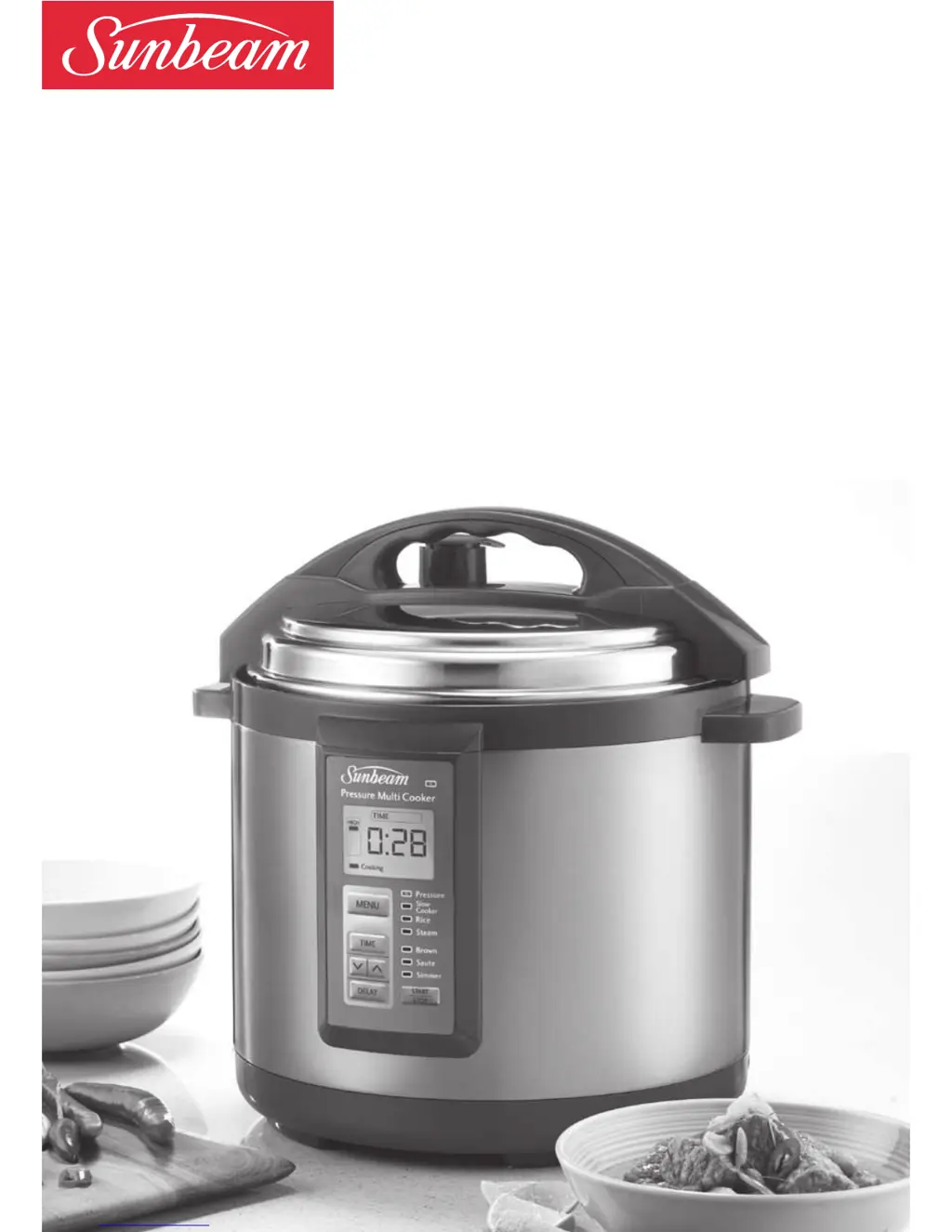
Aviva
Pressure Cooker
with Slow Cooker, Rice Cooker, Steamer
and Frypan functions
Instruction/Recipe Booklet
PE6100
Please read these instructions carefully
and retain for future reference.

Questions and Answers

  • E
    Eric PhillipsAug 1, 2025
    What to do if the 'Cooking' light is flashing on my Sunbeam PE6100 Aviva?
    • J
      Joseph CohenAug 1, 2025
      If the 'Cooking' light is flashing on the Sunbeam Electric Pressure Cooker's LCD screen, this indicates that the appliance is either warming up to pressure or, in the case of frypan menus, reaching the set temperature. Wait for the 'Cooking' light to stop flashing before proceeding. If the unit struggles to gain pressure, ensure the sealing gasket is correctly positioned in the gasket holder or needs replacement. Also, verify that the pressure and steam safety valve is in the 'Seal' position.
  • M
    Marvin SmithAug 8, 2025
    Why is it difficult to close the lid of my Sunbeam PE6100 Aviva Electric Pressure Cooker?
    • J
      John PerezAug 8, 2025
      If you find it difficult to close the lid of your Sunbeam Electric Pressure Cooker, it's likely due to the sealing gasket not being correctly positioned. Carefully remove the lid and check that the sealing gasket is smoothly in place within the gasket holder. If it's damaged or worn, consider replacing it.
  • R
    Richard EricksonAug 15, 2025
    Why is the LCD screen blank on my Sunbeam PE6100 Aviva Electric Pressure Cooker?
    • J
      Jennifer WilsonAug 15, 2025
      If the LCD screen on your Sunbeam Electric Pressure Cooker is blank, first, ensure the power cord is properly inserted into the appliance and the power outlet is switched on. If the screen is still blank, the unit may be in standby mode because programming wasn't completed and no button was pressed for 20 minutes. Press any button to return to the default screen.
  • B
    Brittany FullerAug 23, 2025
    How to stop the menu lights from flashing on my Sunbeam PE6100 Aviva?
    • R
      Ralph BaileyAug 23, 2025
      If the menu lights are flashing on the control panel of your Sunbeam Electric Pressure Cooker, it means that the program hasn't been set. To resolve this, set the MENU, TIME, and then press START.

Summary

Sunbeam Pressure Cooker Safety

General Safety Precautions

Essential safety guidelines for operating the pressure cooker to prevent injury and damage.

Electrical Safety

Precautions related to electrical usage, cords, and grounding for safe operation.

Product Features and Control Panel

Product Components Overview

Identifies key parts like the lid, collector, control panel, and accessories.

Control Panel Functions

Explanation of buttons, indicators, and the LCD screen for operation.

Cooking Functions and Operation

Cooking Menus Overview

Description of Pressure Cook, Slow Cook, Rice, Steam, and Frypan menus.

Using Specific Cooking Menus

Step-by-step guides for operating each cooking function.

Types of Rice

Description of different rice varieties suitable for the cooker.

Using the Time Delay

How to set a delayed start for cooking programs.

Care, Tips, and Troubleshooting

Care and Cleaning Guide

Instructions for cleaning the unit, lid, and components.

Helpful Hints and Tips

Advice on liquid, capacity, foods to avoid, and cooking techniques.

Troubleshooting Common Issues

Solutions for operational problems and error messages.

Recipes and Warranty

Recipe Categories

Collection of recipes for stocks, side dishes, main meals, and desserts.

Warranty Information

Details of the 12-month replacement guarantee and customer service.

Sunbeam PE6100 Aviva Specifications

General IconGeneral
TypeElectric Pressure Cooker
MaterialStainless Steel
Control TypeDigital
Keep Warm FunctionYes
Capacity6 quarts
Power1000W
Safety Featurespressure release valve
TimerYes
Pressure SettingsHigh and Low
ModelPE6100 Aviva
Cooking ProgramsMultiple preset programs

Related product manuals