6
Using your iron
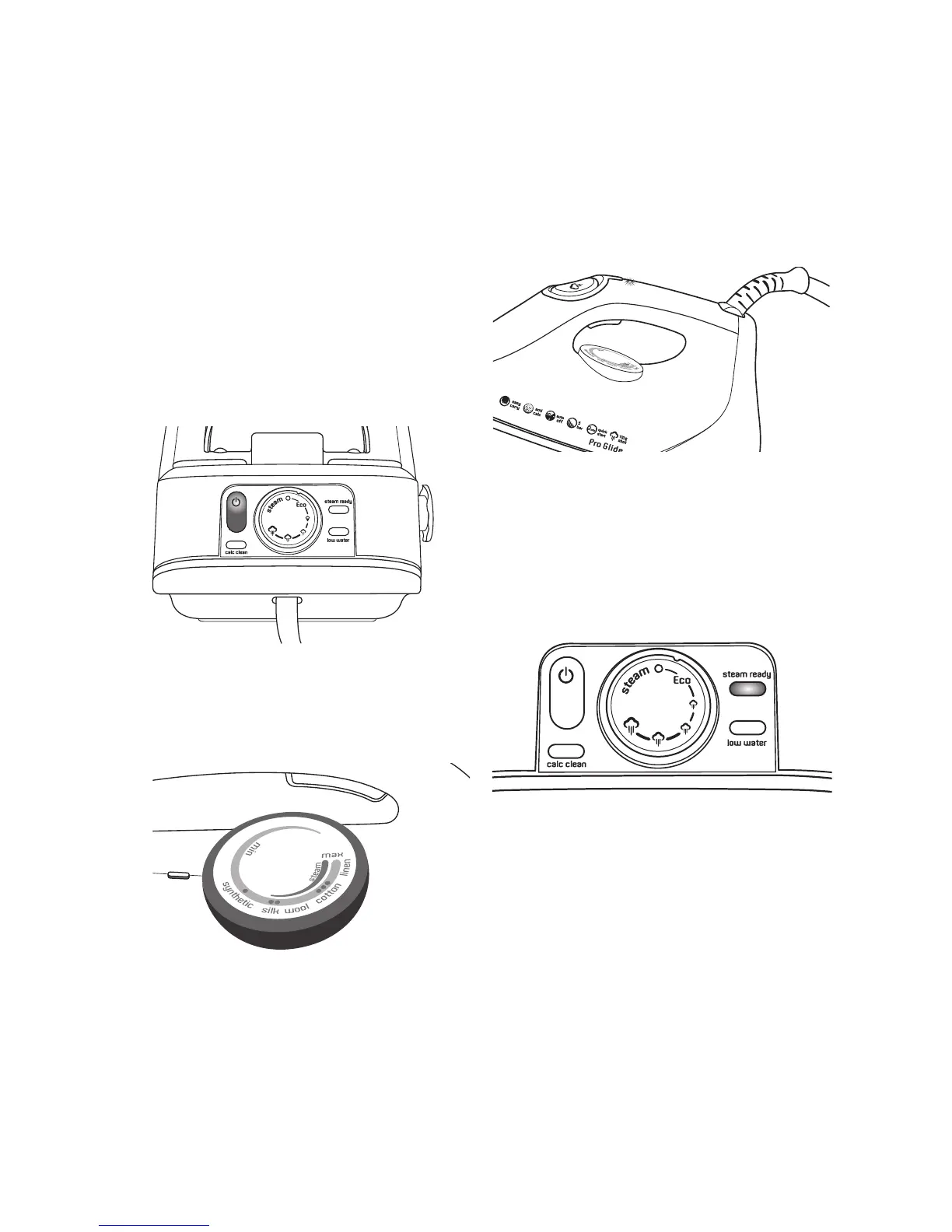
1.Inserttheplugintoa230/240volt
poweroutletandturnthepoweron.
2.Selectthepowerbuttontoturnthe
uniton.ThePowerOniconilluminates
WHITEasshowninFig1,andtheunit
beepsonce.Theboilerandsoleplate
willbeginheatingandtheSteam
ReadylightilluminatesRED.
3.Turnthetemperaturedialontheiron
tothedesiredsetting(asshownin
Fig2).SetthetemperaturetoSilkor
abovewhenusingsteam.
Thethermostatlight(asshownin
Fig3)willilluminateAMBERtoindicate
thattheironisheating.Itwillgoout
oncetheironhasreachedtheselected
temperature.
NOTE:Whenchangingthetemperature
dialfromahighersettingtoalower
setting,ensuretheirontemperatureis
stableatthenewsettingbyallowingthe
thermostattocycleonce(thethermostat
lightwillturnon/offonce).
4.Selectthedesiredsteamlevelby
turningtheSteamRatedialtothe
desiredsetting(asshowninFig4).
NOTE:Topreventwaterdrippingfrom
thesoleplate,selectthesteamsetting
thatcorrespondstotheselectediron
temperatureasindicatedonpage14.
5.Whenthesteamselectionilluminates
GREEN,theunitisreadytouse.
NOTE:TheSteamReadylightwill
illuminateGREENwhenthesteamcan
beactivated,usuallyafter2½minutes.
However,itmaytakeabitlongerfor
thesteamtobeatmaximumpower
dependingonthevolumeofwaterin
theboilerandthetankandtheambient
temperatureofthewater.
Beforeusingthesteamgeneratoron
agarment,directashotofsteam
intotheairtoreleaseanyremaining
condensation.
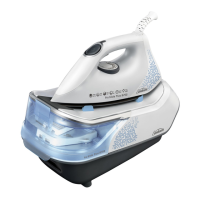
Using your Pro Glide
®
Steam Generator continued
Figure1
Figure2
Figure4
Figure3



 To Next Page