12-60
Uninstalling Instruction
To uninstall drivers, follow the instructions below:
Disconnect any devices that are attached to the PC.
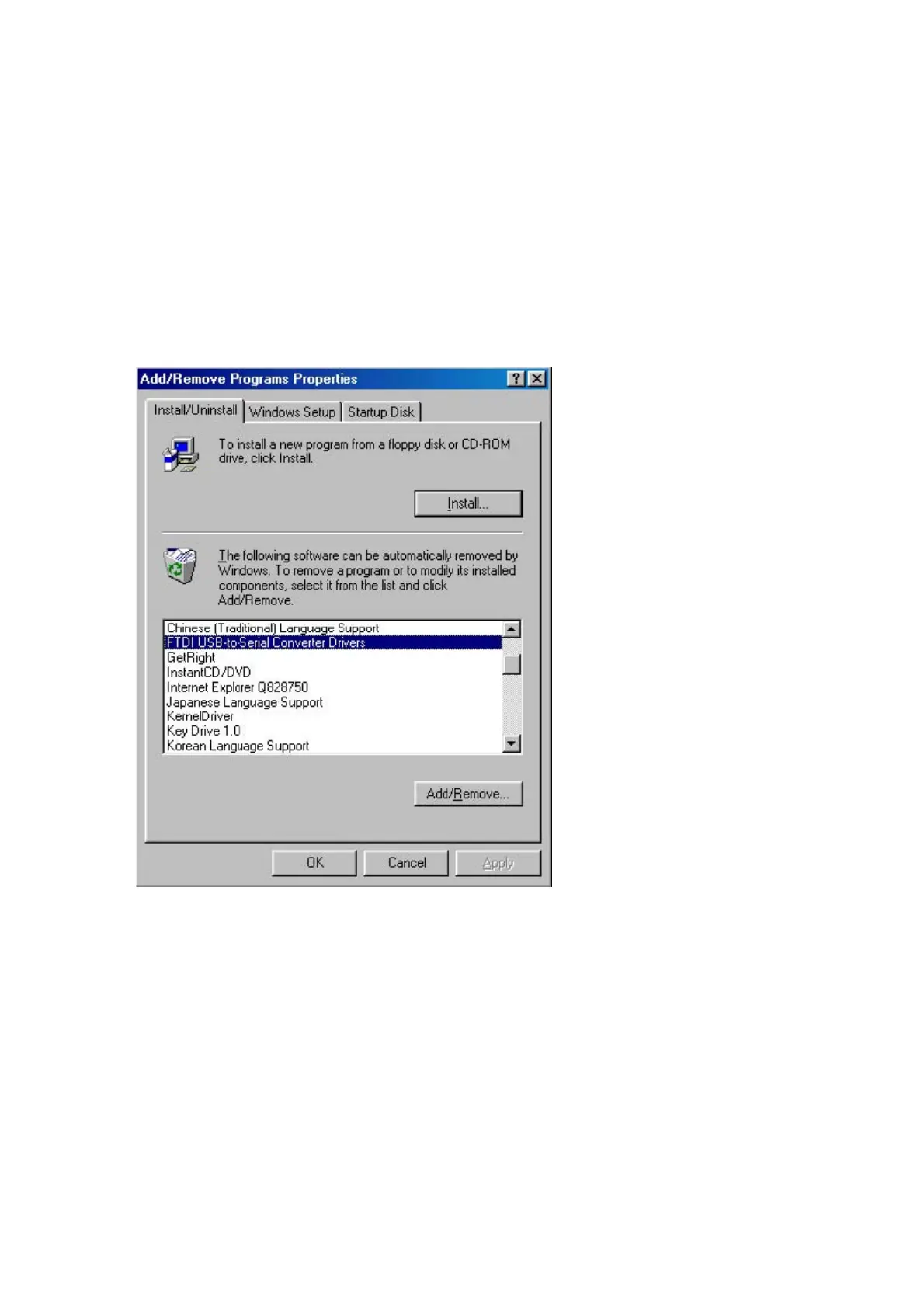
Open the Add/Remove Programs utility located in "Control Panel\Add/Remove
Programs". Select "FTDI USB-Serial Converter Drivers" from the list of installed
programs.
Click the "Add/Remove" button. This will run the FTDI uninstaller program. Click
"Continue" to run the uninstaller or "Cancel" to exit.



 To Next Page