53-60
MAC OS X Installation Guide
Download the driver from the VCP Drivers section of the FTDI web site and save it to the
hard disk. The driver is now available in disk image (.dmg) format. Run the installer by
double clicking on the FTDIUSBSerialDriver.dmg icon.
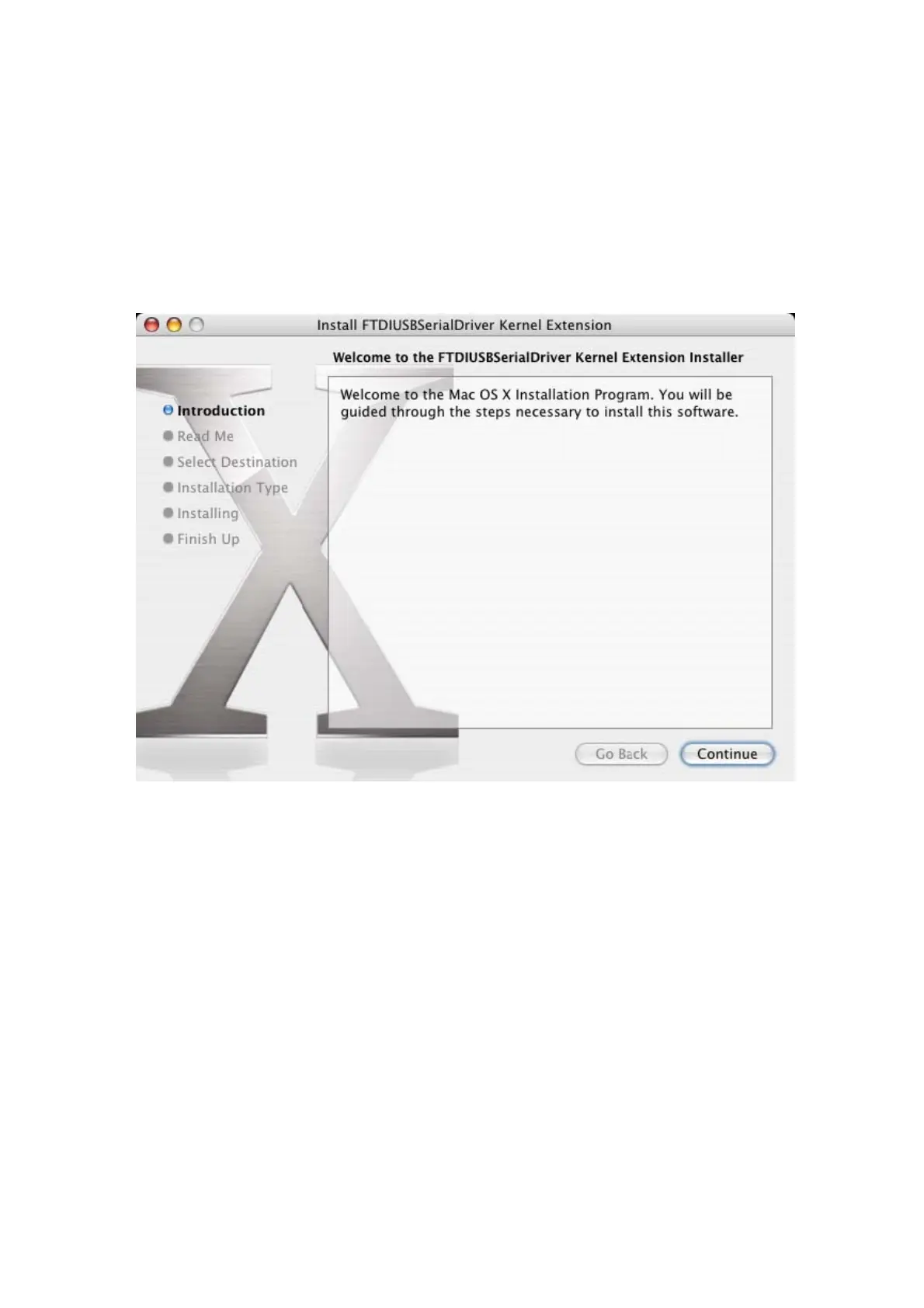
Click Continue to proceed with the installation and follow the instructions on screen.
When the installation is complete, reboot the computer.



 To Next Page