54-60
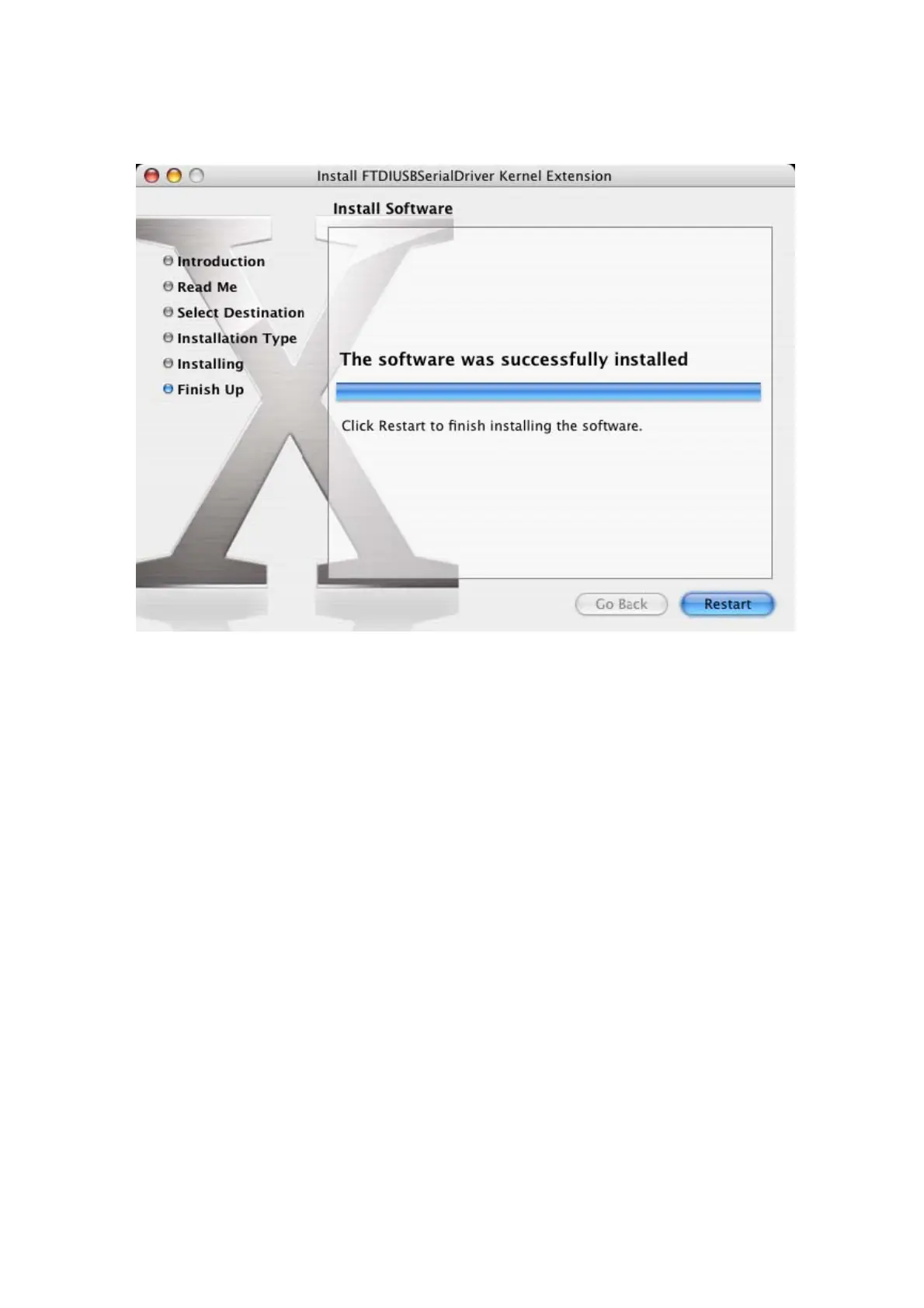
When the computer has rebooted, plug in the device. If the device is installed
properly, you will see entries in the /dev directory:
/dev/cu.usbserial-xxxxxxxx
/dev/tty.usbserial-xxxxxxxx
Where xxxxxxxx is either the device's serial number or, for unserialized devices, a
location string that depends on which USB port your device is connected to. The
Terminal application can be launched by selecting Go > Applications > Utilities >
Terminal. Type the following lines in the Terminal window to produce the file list:
cd /dev
ls-l
If you run the application System Preferences and select Network (Go > Applications
> System Preferences > Network), you should see the text "New Port Detected".



 To Next Page