56-60
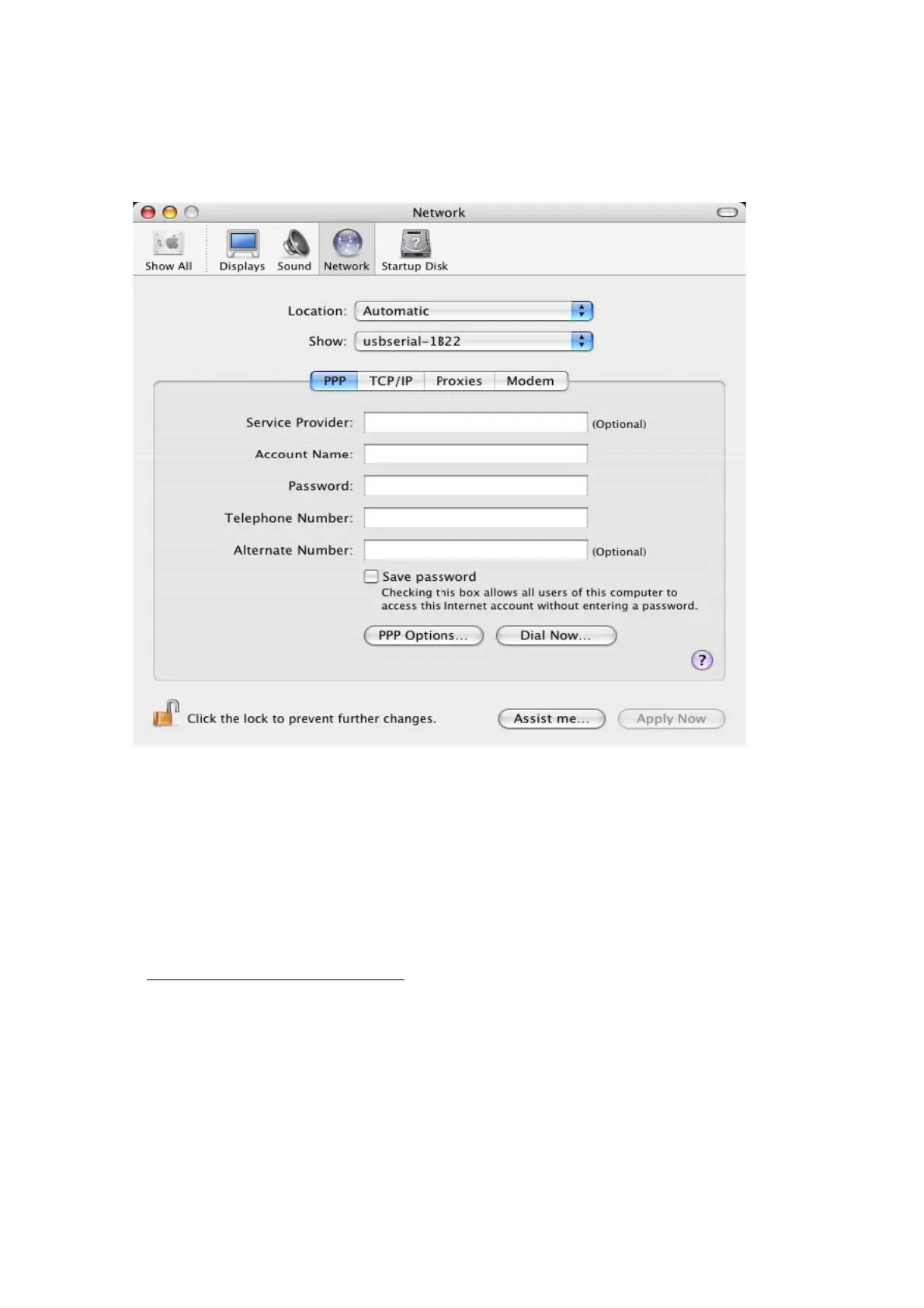
wish to set the device up a modem for an Internet connection, select the new port from
the Show list to display the window below.
Entries for this screen are specific to the Internet account for each user. If you do not
know the required details, contact your Internet service provide
Please note:
1. For multiple-port converter, each port has to be installed with the driver individually, i.e.
you have to repeat this installation procedure 2 times (2-port converter) or 4 times (for
4-port converter).
2. If you have any
difficulties with the drivers we provided in this CD, you may download
the updated or appropriate versions from FTDI Web site
www.ftdichip.com/Drivers/VCP.htm
, supported device “FT232BL(M)”.



 To Next Page