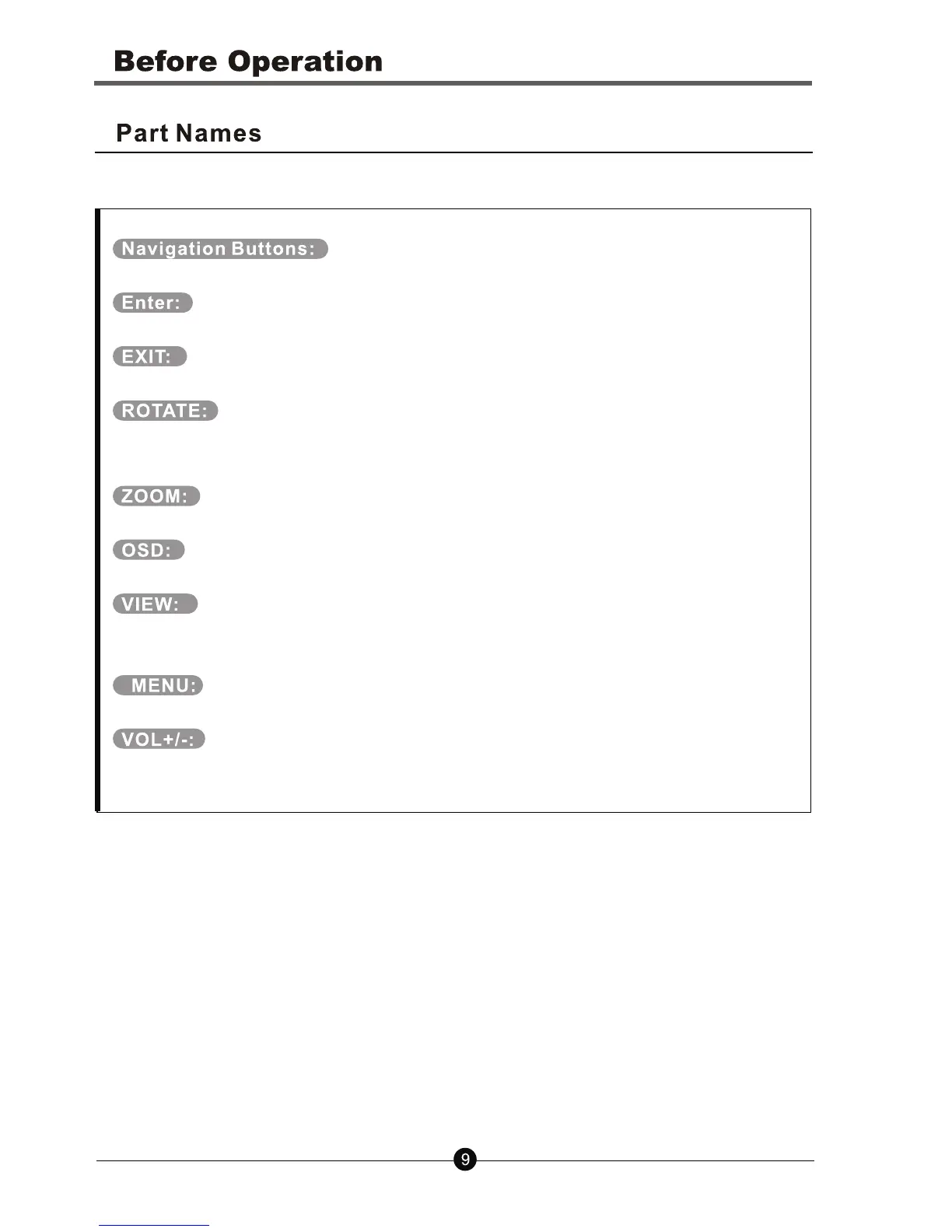
Move the cursor to the desired icon.
Enter or confirm.
Stop the current action and return to the previous menu.
Rotate the picture, These operations is available when a picture
is playing normally.
Repeatedly to zoom out/in the picture.
Display the state of the playing file.
View the photos in thumbnail mode. Use the up/down/left/right
buttons to select the picture and press enter to confirm.
Return to the main menu.
Adjust the player’s volume.



 To Next Page