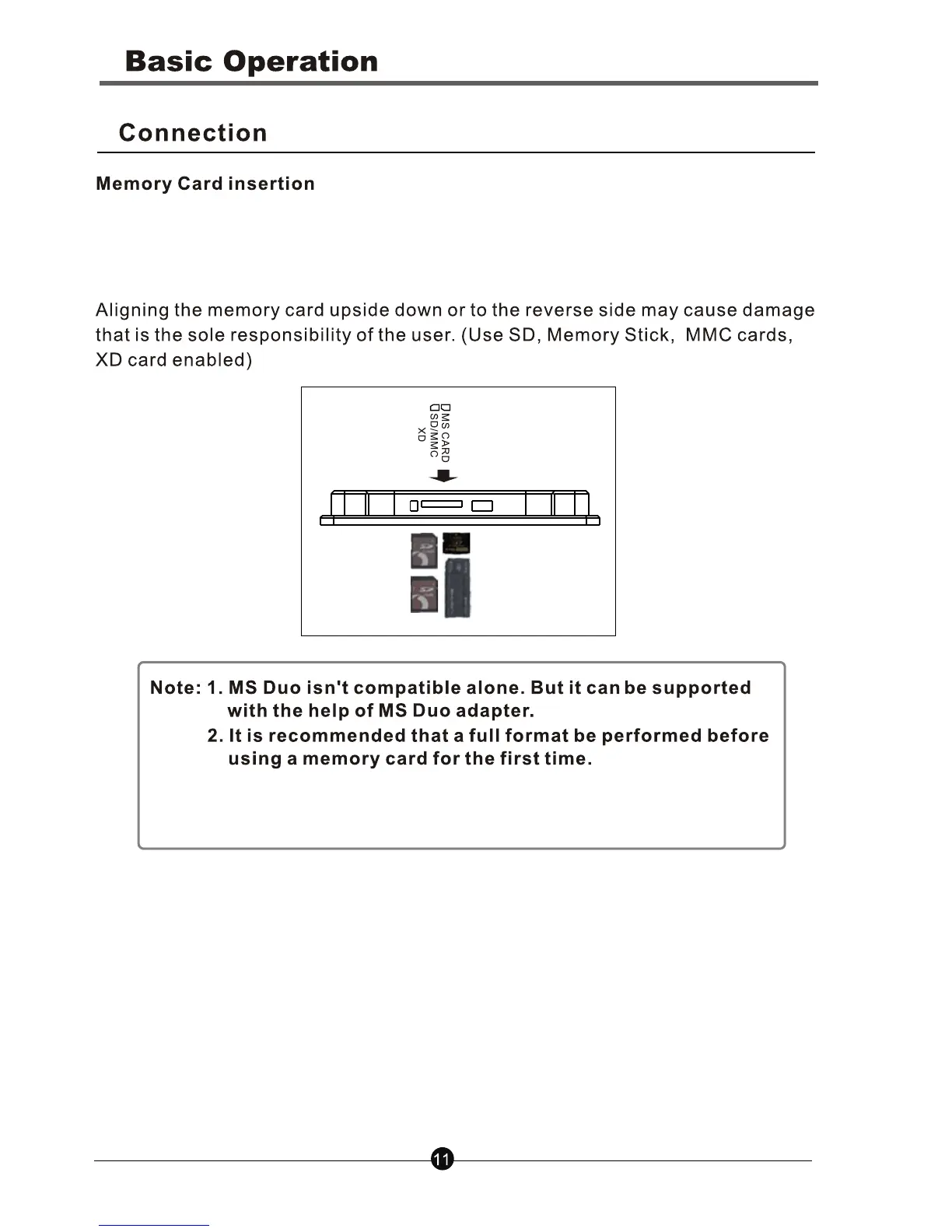
Insert card in the direction indicated by the arrow on the top of the card.
(The side of the memory card on which the sticker is affixed should face to
the front)
3. This device will read USB only and will not recognise the
memory card if you insert a memory card and extra USB
memory together at the same time
Note: The product will display the images stored in the external devices first
and will not display the images in the internal memory if you insert an
external devices.



 To Next Page