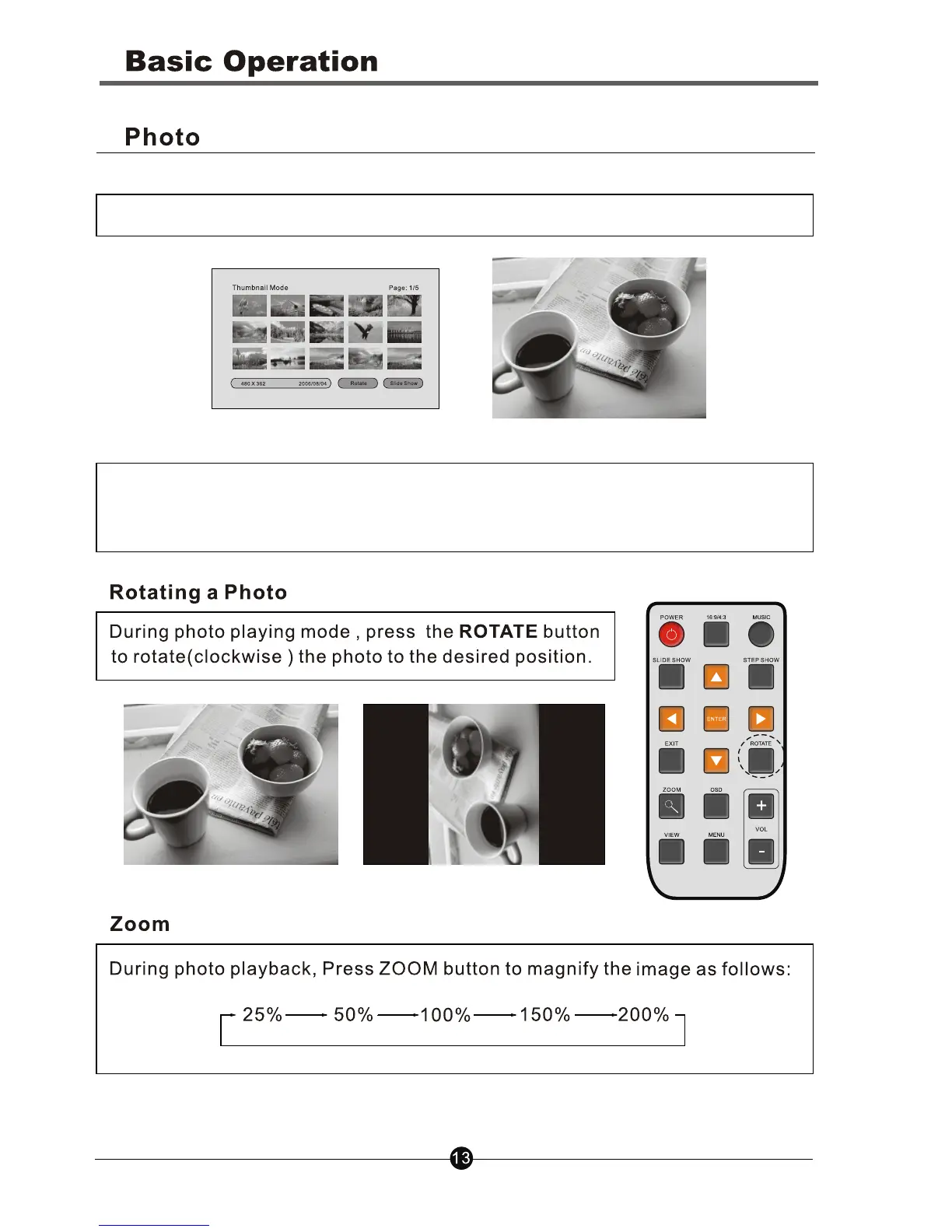
Step 4. Press ENTER button to view this photo in full screen
1. For best display, you can crop the photos to the size: 540x302 pixels.
2. After inserting a card, press the SLIDE SHOW button repeatly to select
Slide On/Off to play the photos automatically/manually.
Note:
During the pictures displaying, press the MUSIC button to display the
pictures in music background.
Background. (Press the MUSIC button again to mute the sound.)



 To Next Page