15
Step 1. Select MOVIE icon in the main menu and press ENTER button to
play a movie directly.
Step 2. When playing a movie, press EXIT button to enter into the video
file list.
Step 3. Select a movie in the file list and press ENTER button to play the
movie.
Playing a song
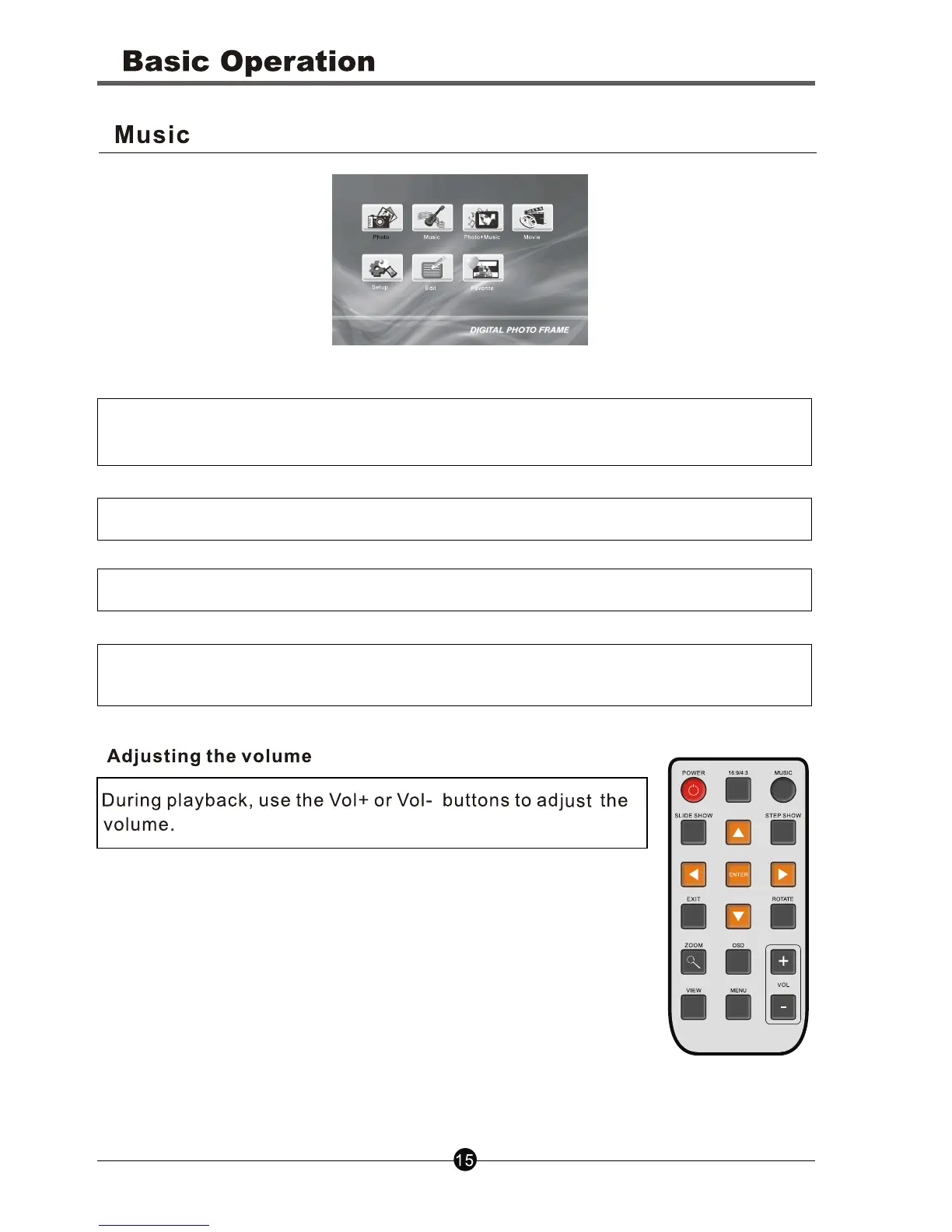
Step 1. Select MUSIC icon in the main menu and press ENTER button to
enter into the music file list
Step 2. Use the navigation buttons to select the desired song.
Step 3. Press Enter button to play the selected song.
Note: During playback, press PLAY/PAUSE button on the right side of the
panel to pause the song. Press the button again to continue playing



 To Next Page