Step 1. Select PHOTO item in the main menu and press ENTER button to
enter the slide show.
Step 2. Press EXIT button to enter the Thumbnail mode.
Note: Please set up the photo browser on Thumbnail mode first.
Step 3. Use the to select the desired photo.
Make a Setting
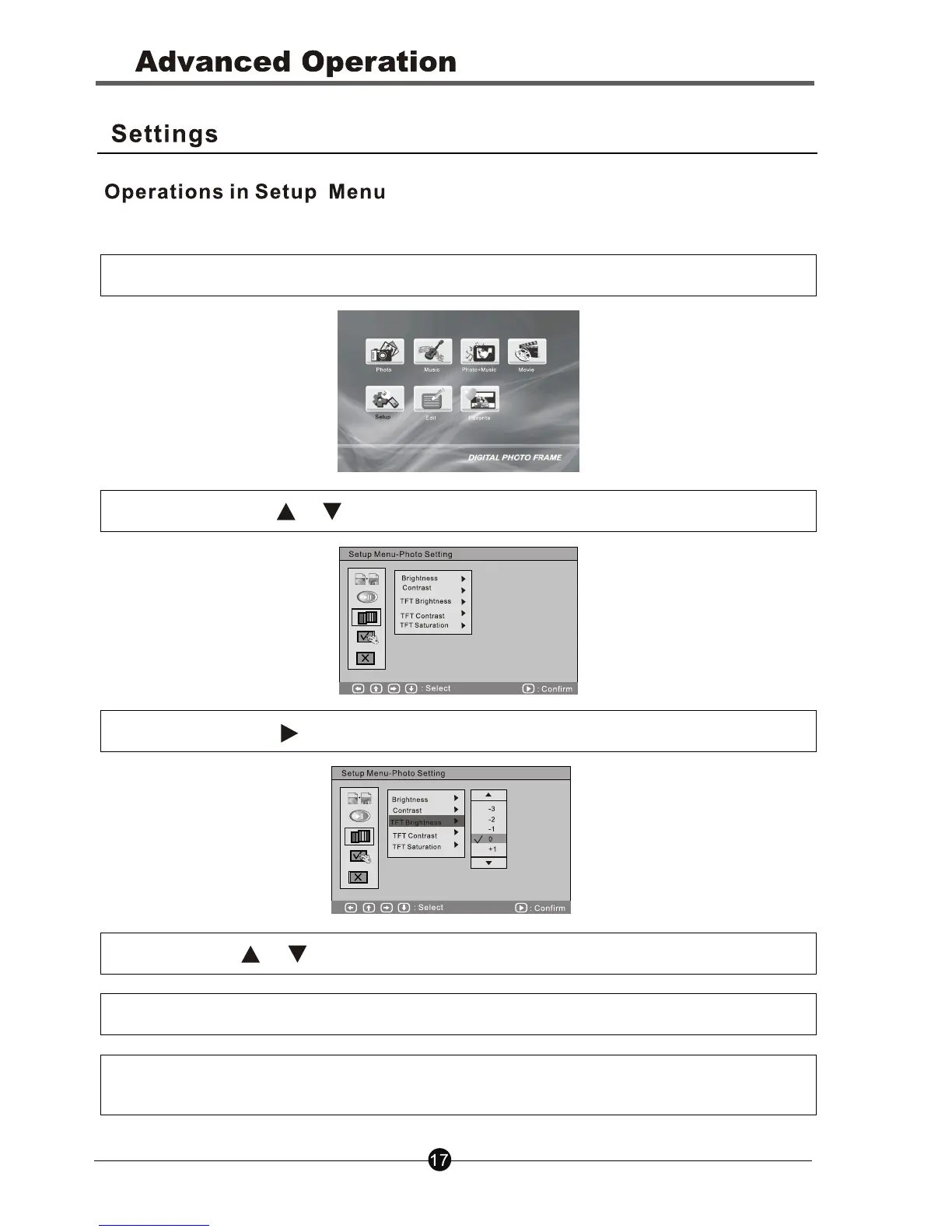
Step 1. Select Setup icon in the main menu to enter the SETUP menu.
Step 2. Press the or buttons to select items.
Step 3. Press the button to enter the sublist.
Step 4. Press or buttons to select desired setting items
Step 5. Press OK to confirm the selected setting.
Step 6. Press the Exit button to return to the main menu, and your setting
values will be saved automatically.



 To Next Page