Register your Account
1
An online management account is needed before using your digital signage device,
so please use your computer to open the website "http://digitalsignage.sungale.com",
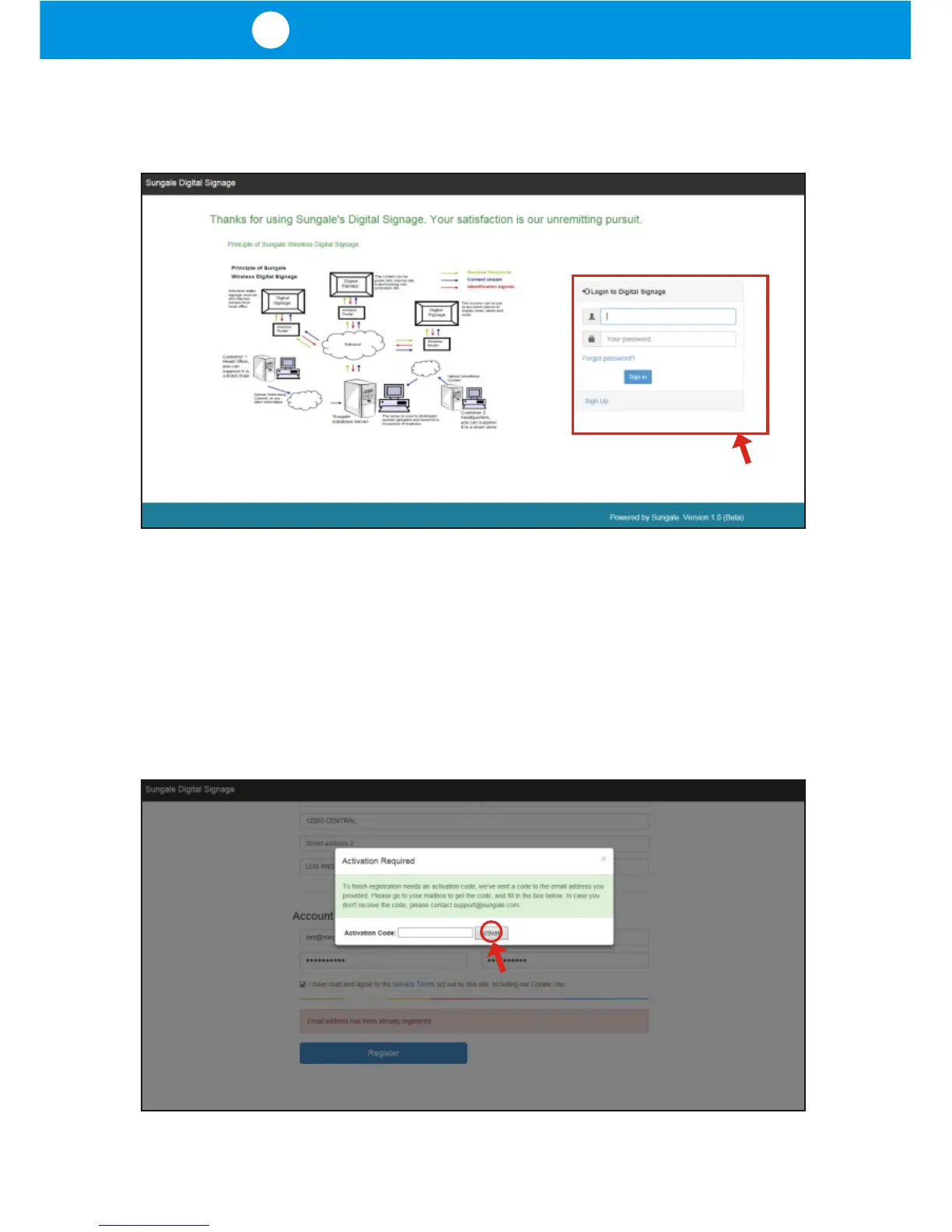
and you will enter the Sungale Digital Signage Management Portal as shown below:
Notes: On this page, the left side shows the working principle and the right side
is the login form. Underneath the login form, you'll find a "Sign Up" link. First time
users need to complete the initial sign up in order to proceed. Please click the
"Sign Up" link, and follow the screen prompts, and you should be able to finish
the registration without any difficulty.
After you finish the registration procedure and click "Register", you'll see the
"Activation Required" dialog box appear on the screen. You will need to go to your
email to get the code, and then fill in the box and click "Activate".



 To Next Page