Welcome Page
2
3
Create a new Content Folder
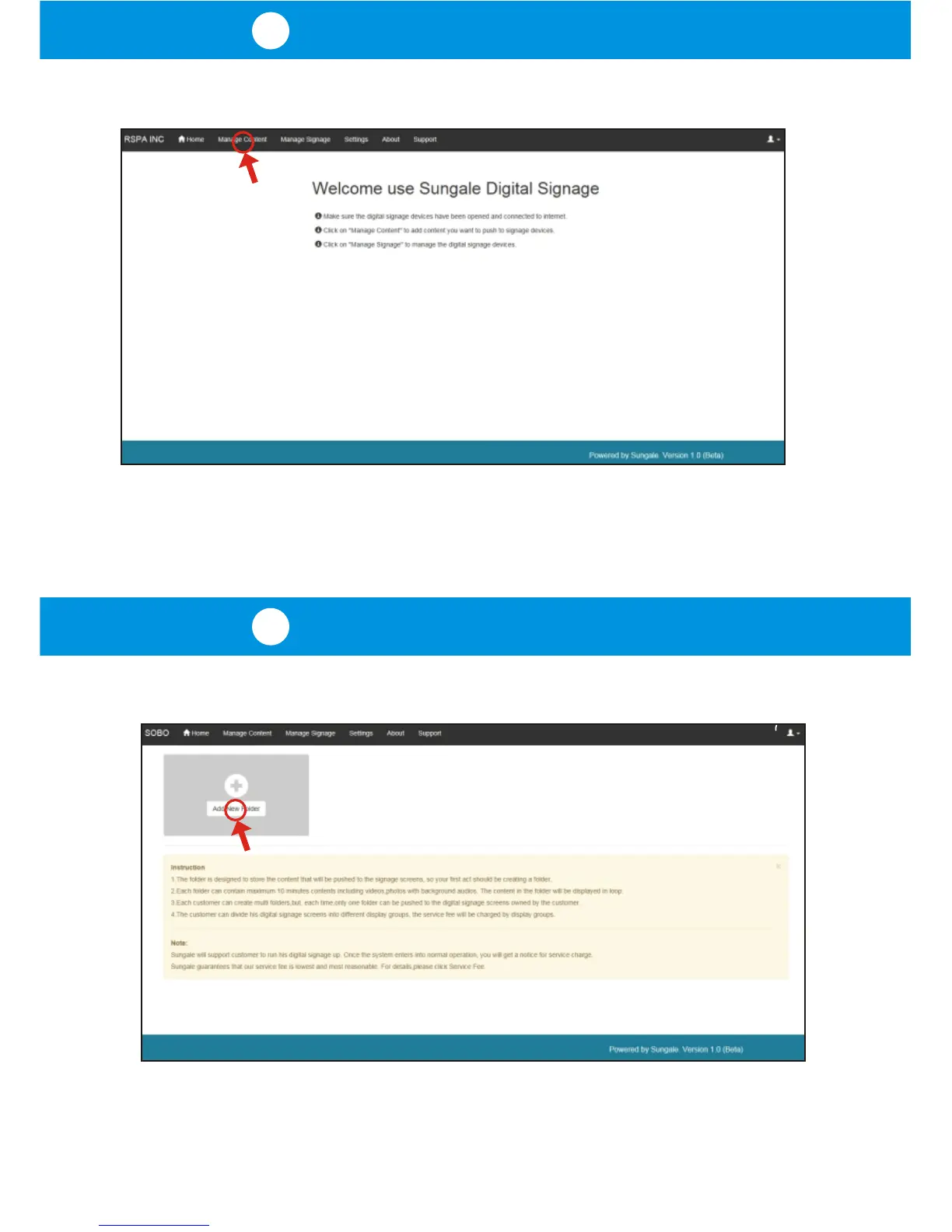
As per screen prompt instructions, click on "Manage Content".
As shown below, the first thing is to create a content folder, as follows:
Click on "Add New Folder", and follow screen prompt instructions to create a
new folder.
After getting your customer ID, you will be brought to the welcome page as below:



 To Next Page