5
Add New Content
4
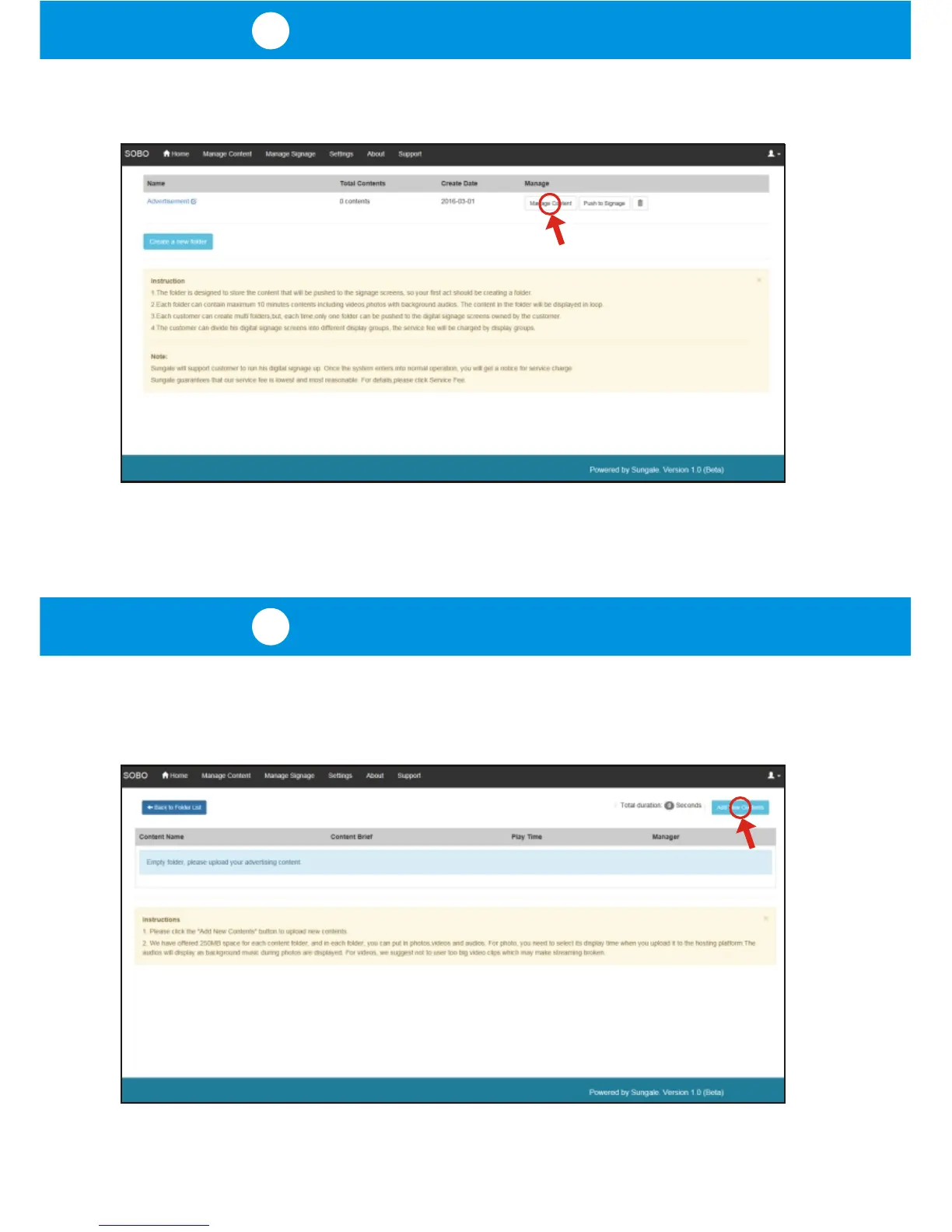
Manage Contents
Once you have created a folder, your manage content page will display like below,
where you will then click the button labeled "Manage Content".
You will now come to the folder detail page, where you can upload content to
a folder. Click on the "Add New Content" button in the upper right corner of
the page.



 To Next Page