9
Push Folder to Signage
8
Preview Content
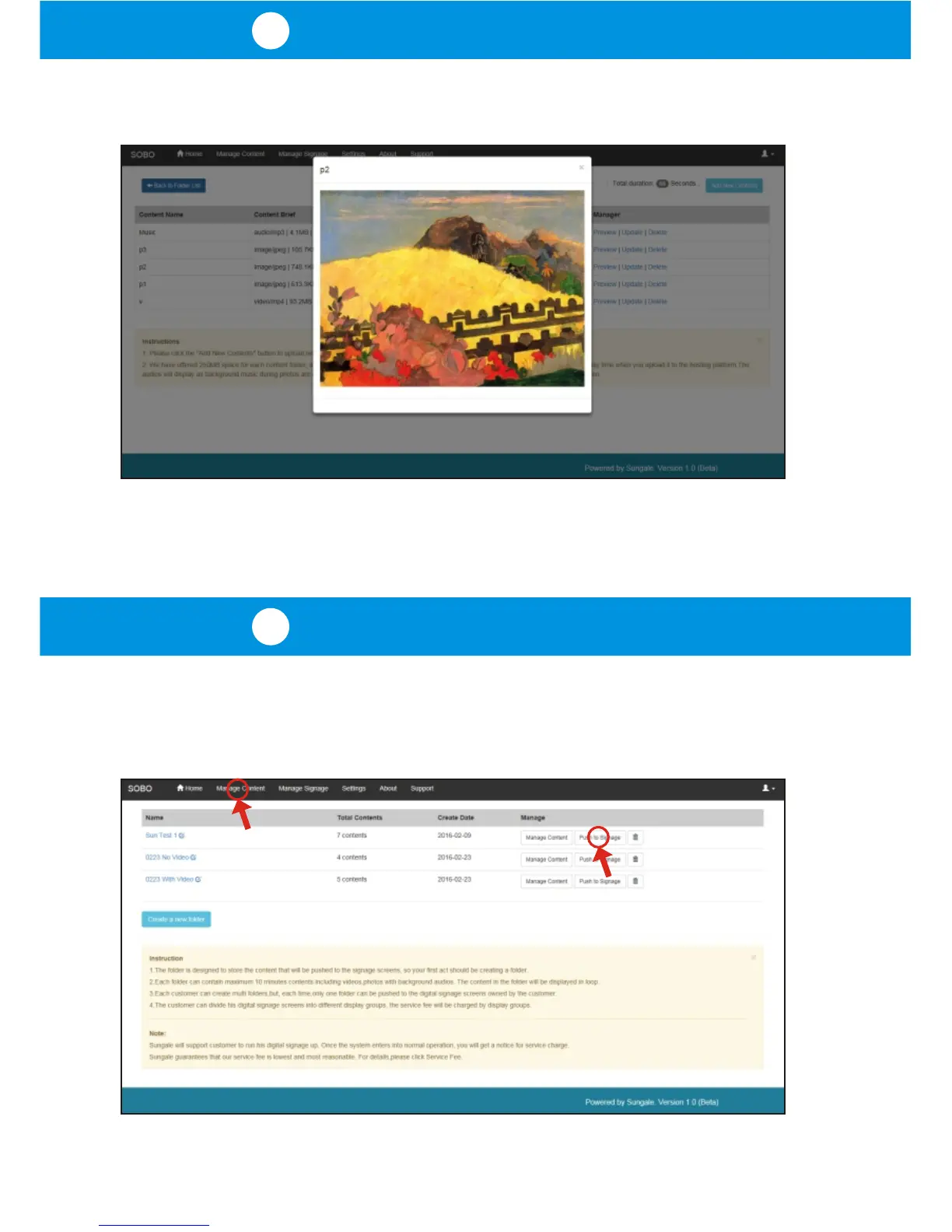
When clicking the "Preview" link next to each upload, a popup preview will
display and show what was uploaded into the cloud storage.
Once you have finished uploading content to your folder, click the
"Manage Content" tab in the top navigation bar to go back to the folder list, and
then click the "Push to Signage" button next to the folder name as shown below.



 To Next Page