5
SAC600
Operation
4. SPEED Button
Press SPEED button to choose the fan speed of: LOW, MID, HIGH, and this will
display in LCD window.
5. Temperature Button
Press the TEMP button up or down to adjust the temperature. Select the desired
temperature and it will display in LCD window. The temperature adjustments range
is 59
O
F-88
O
F / 15
O
C-31
O
C. When unit is set at AUTO running mode, the default
cooling temperature is 73
O
F / 23
O
C. Please see Celsius to Fahrenheit conversion
table on page 16.
6. TIMER setting button
• AUTO OFF TIME SETTING
While the unit is on press the TIMER button to set the desired OFF time. The time setting
ranges from 0.5 hours to 12 hours in half hour increments. The timer setting will display
in the LCD window.
• AUTO ON TIME SETTING
While the unit is off, press the TIMER button to set the desired ON time. The time setting
ranges from 0.5 hours to 12 hours in half hour increments. The timer setting will display
in the LCD window.
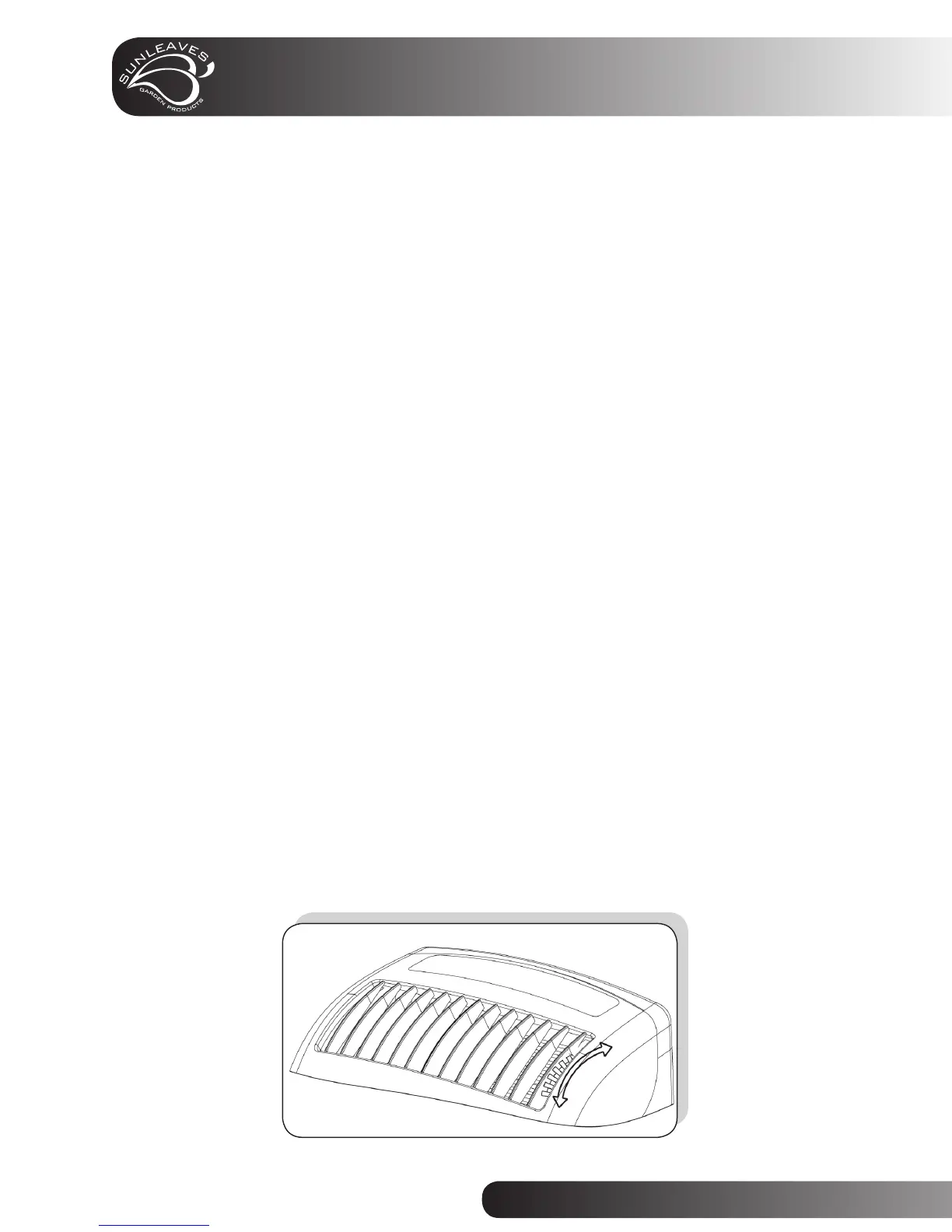
7. Wind Direction Adjustment
Vertical: press the wind adjustment button in control panel or in the remote control,
the air vent will swing vertically automatically.
Horizontal: adjust the air vent manually to desired wind fl ow direction.



 To Next Page