7
SAC600
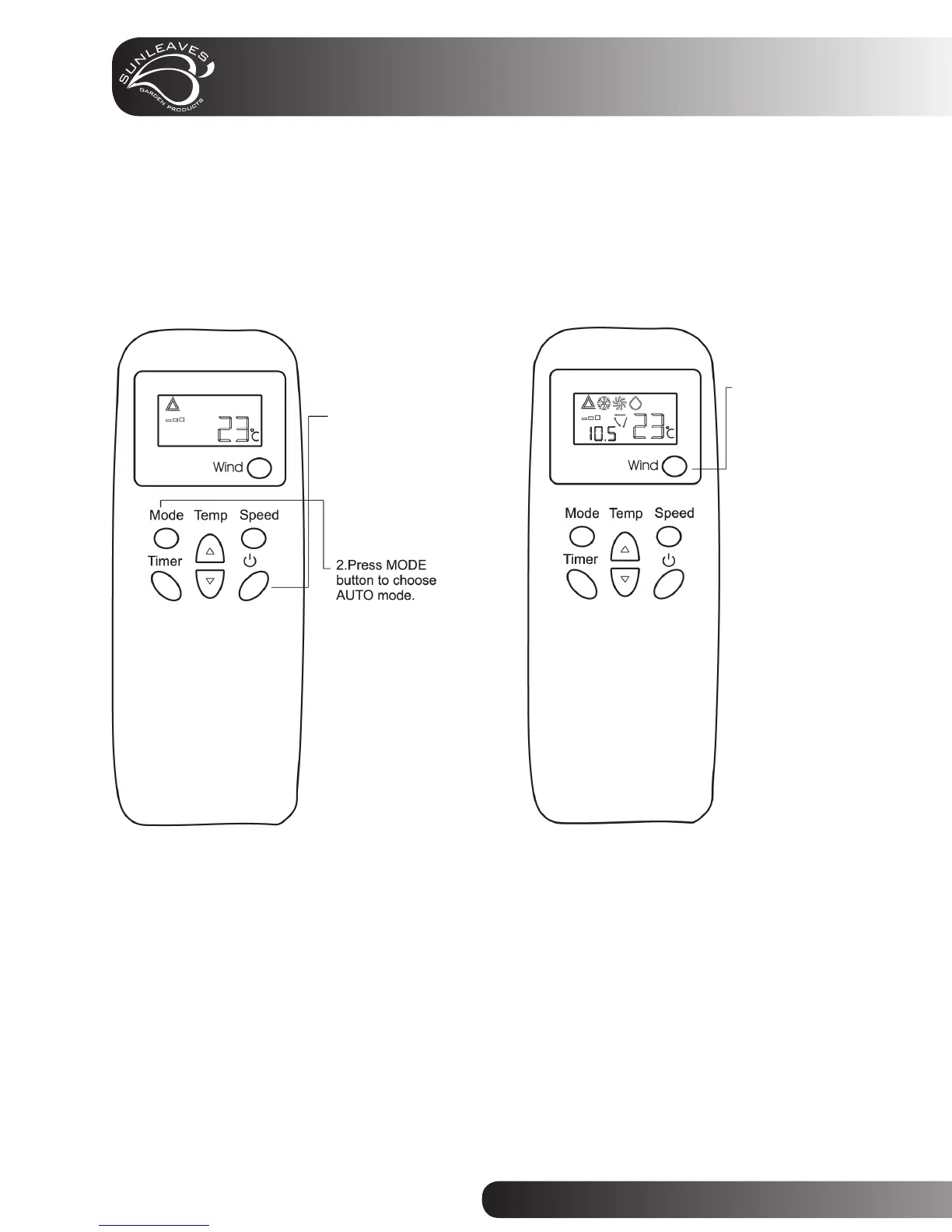
Remote Control (AUTO mode) Remote Control (WIND button)
• The unit automatically
shuts on or off according
to the room temperature.
• Please point the remote
control toward the signal
receiver on the unit panel.
• After the unit shuts off wait at least 3 minutes before you continue operation.
Operation
1. Insert batteries
and press POWER
button to turn the
system on.
Wind Button:
Choose on or
off mode.



 To Next Page