Display content on the control panel screen
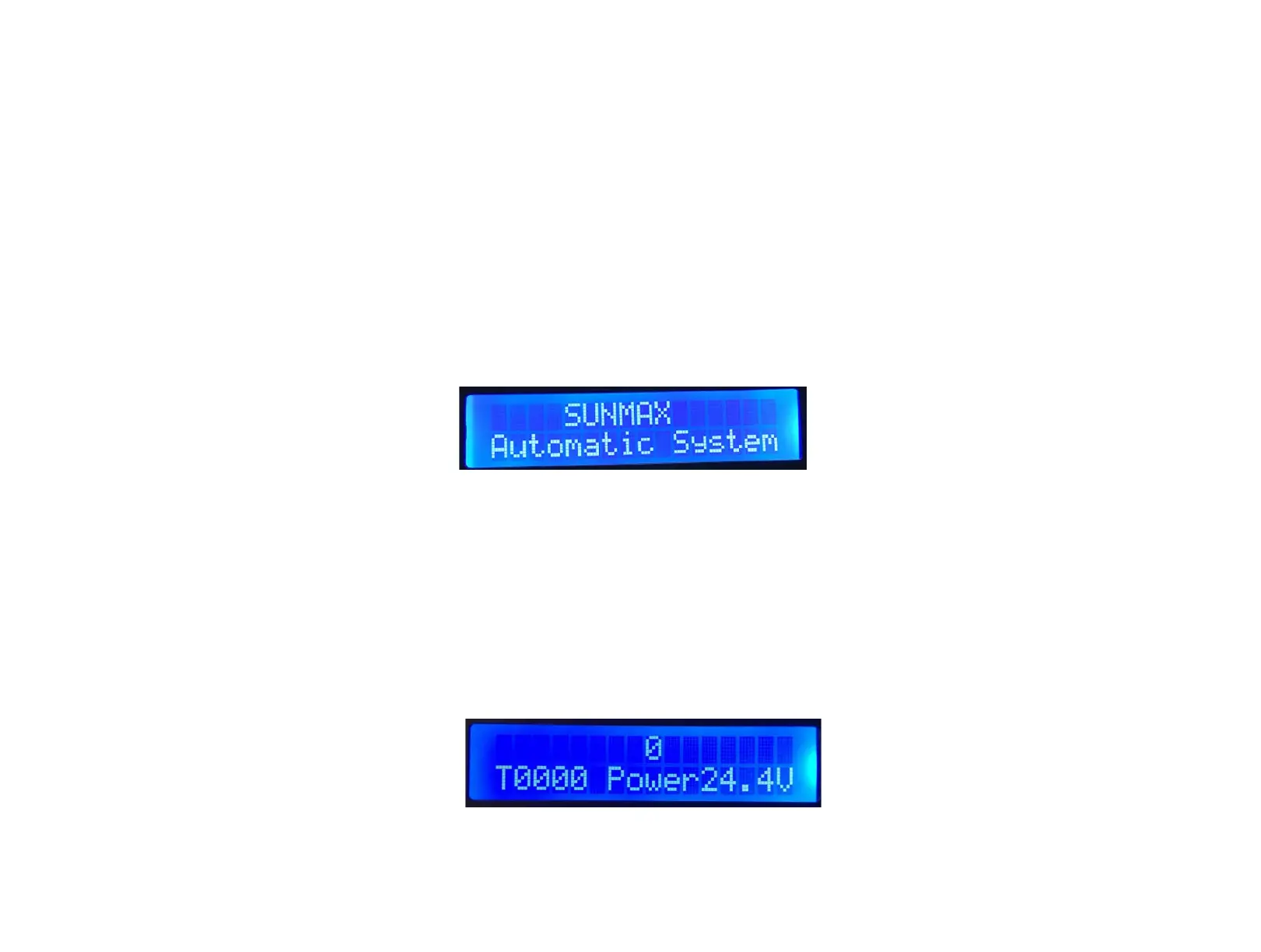
1. Startup Screen:
When the floor scrubber is powered on, the display screen will initially show the startup
screen. The first line of the startup screen displays "SUNMAX", and the second line displays
"Automatic System".
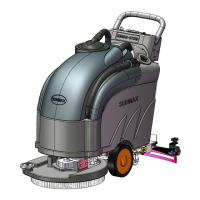
2. Working Screen:
After powering on the floor scrubber, the default settings are as follows:
➔ Brush motor is off.
➔ Water valve is closed (displayed as "0").
➔ Dirty water suction motor is off.
➔ Timer displays as "T0000".
➔ Battery voltage is displayed as "Power 24.4V.
3. Detailed Explanation of Display Screen Items:
★ 0/1 - Water spray status indicator
"0" indicates that the water valve is closed, while "1" indicates that the water valve is open. The


 To Next Page