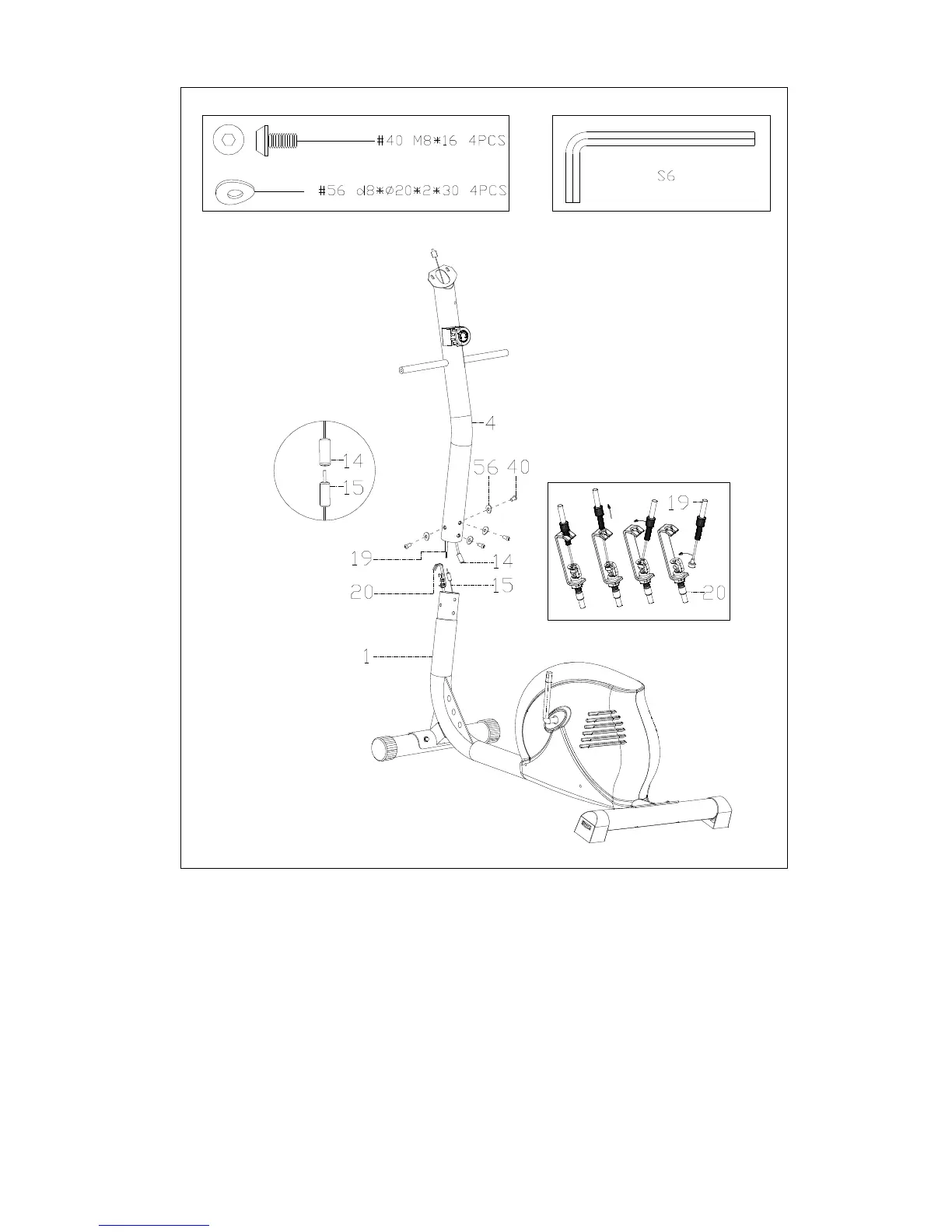
STEP 2:
Connect the Sensor Wire (No. 15) with Trunk Line (No. 14). Next, connect the Tension
Control (No. 19) with the Tension Wire (No. 20).
NOTE: Before connecting these wires, set the Tension Control (No. 19) to the lowest tension,
Level 1. This will ensure the wires are at their longest reaching points in order to connect
easier.
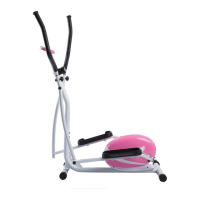
Insert the Handlebar Post (No. 4) into the Main Frame (No. 1) and attach with the Screw (No.
40) and Arc Washer (No. 56).


 To Next Page