EasyManua.ls Logo

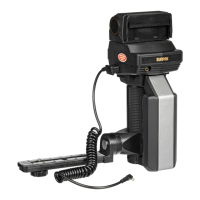
Sunpak 622 Super Pro-System - Connecting the PC Cord

Sunpak 622 Super Pro-System
24 pages
Print Icon
To Previous Page IconTo Previous Page
Loading...
PC
Cord
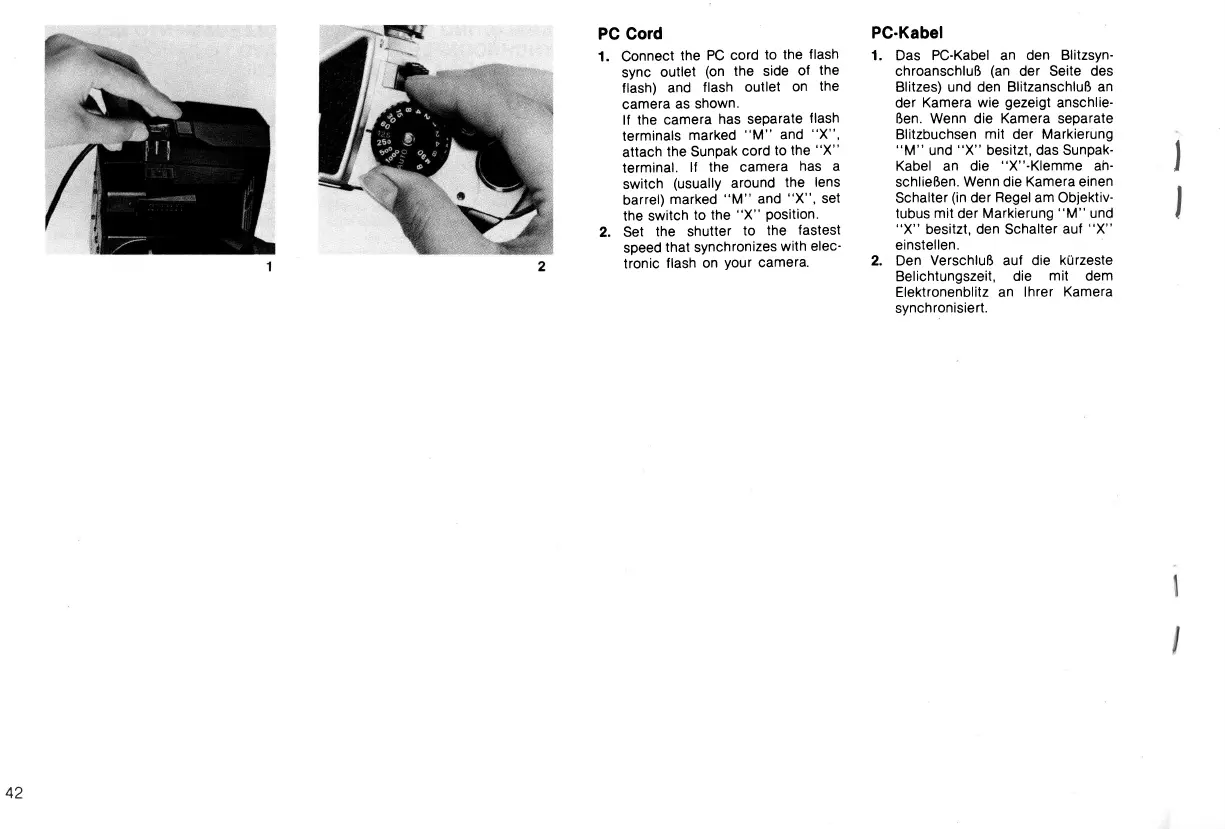
1. Connect
the
PC cord
to
the
flash
sync
outlet
(on
the side
of
the
f
lash) and
f lash
outlet
on
the
camera
as
shown.
lf the
camera
has separate
flash
terminals
marked
'ltM"
and
"X",
attach
the Sunpak
cord
to the
"X"
terminal.
lf the
camera
has
a
switch
(usuallY
around
the
lens
barrel)
marked
'tM"
and
"X",
set
the switch
to the
"X"
Position.
2. Set
the shutter
to
the
fastest
speed
that
synchronizes
with
elec'
tronic
flash
on
your
camera.
PC-Kabel
1. Das PC-Kabel an
den Blitzsyn-
chroanschluR
(an
der Seite des
Blitzes) und den
BlitzanschluR an
der
Kamera wie
gezeigt
anschlie-
Ren. Wenn die
Kamera
separate
Blitzbuchsen
mit
der Markierung
'tM"
und
"X"
besitzt, das Sunpak-
Kabel
an
die
''X"-Klemrne
ah-
schlieRen.
Wenn die
Kamera einen
Schalter
(in
der
Regel
am Objektiv-
tubus
mit
der
Markierung
"M"
und
"X"
besitzt,
den
Schalter
auf
"X"
einstellen.
2. Den
VerschluR auf die
kUrzeste
Belichtungszeit,
die
mit
dem
Elektronenblitz an
lhrer
Kamera
synchronisiert.
42
www.orphancameras.com

Related product manuals