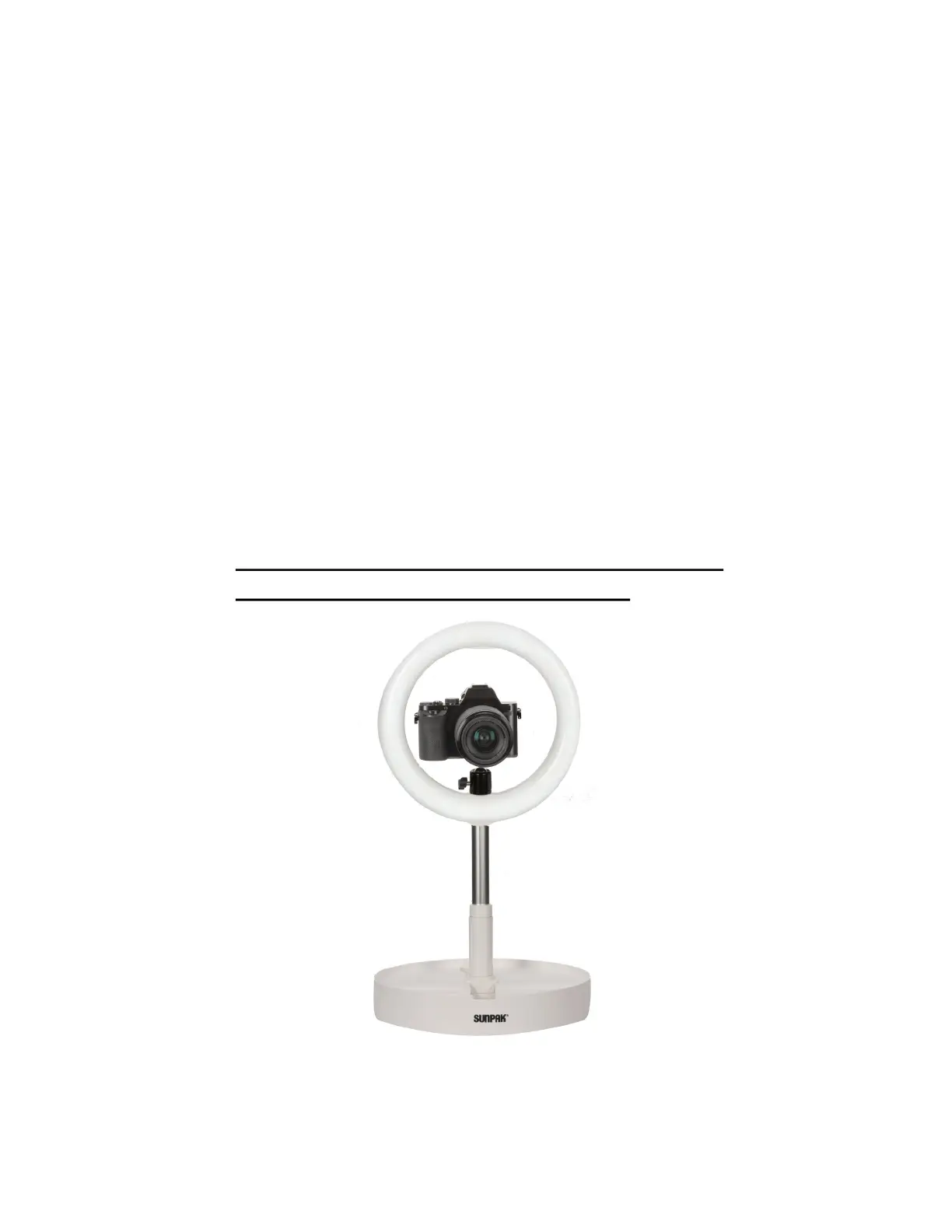
8. When mounting a camera, first remove the Flexible
Smartphone Mount from the ring light. Lock the head of
the ball head and install the ball head to the 1/4”-20 recep-
tacle on the bottom of your camera. Screw the base of the
ball head into the threaded socket of your ring light by
rotating the camera while it is mounted on the ball head.
Note: You may need to remove the lens from your
camera body as you are rotating the camera and ball
head onto the ring light. Likewise, when removing the
camera from the ring light, you may need to remove
your lens from the camera body prior to uninstalling
your lens.
When using a camera, only use the ring light in
the lowest setting (as pictured below).


 To Next Page