Page of 5
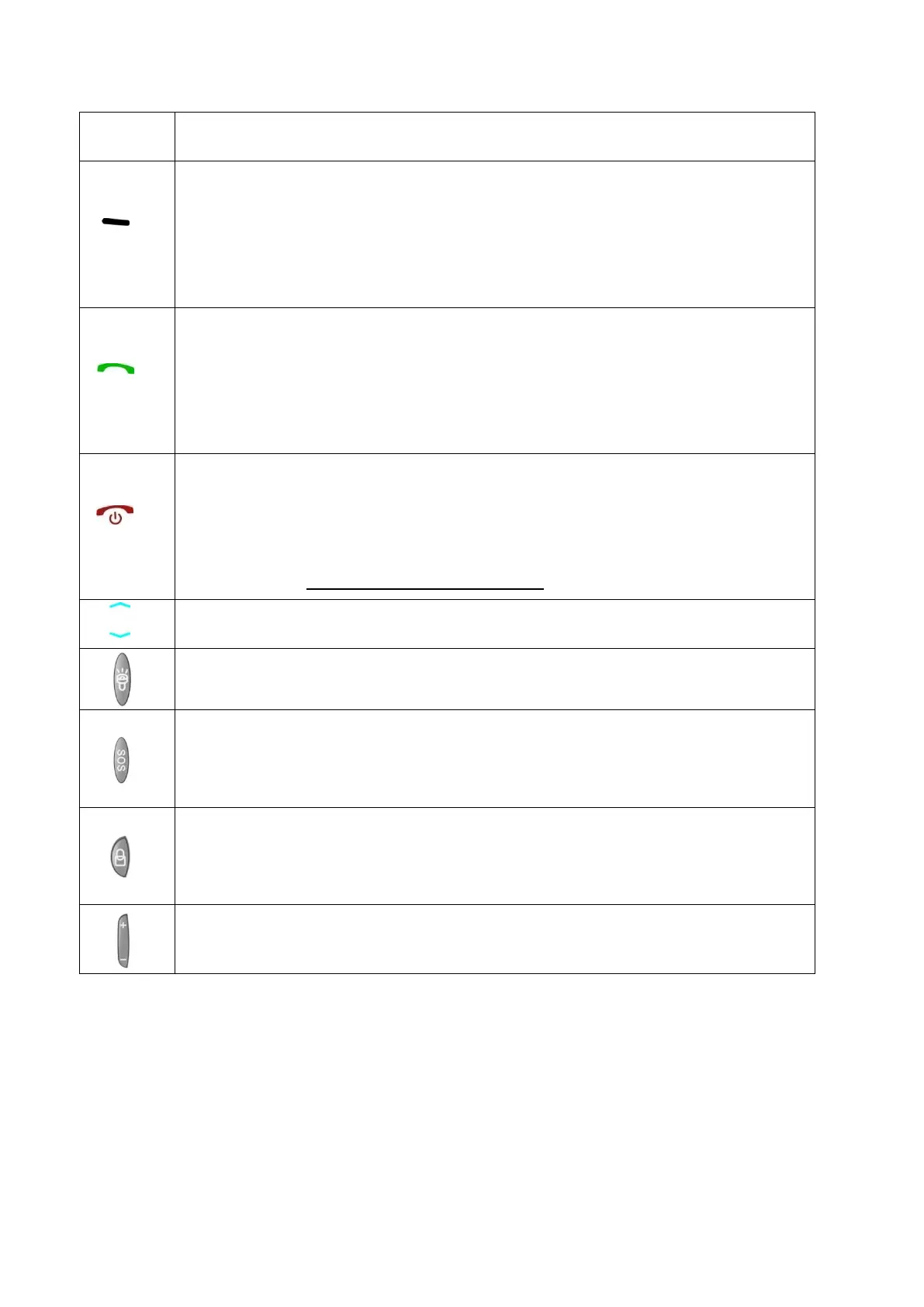
Menu Mode(Return to superior interface )
Left soft key ,
Standby Mode(Enter the information menu or acts as
the button"Enter" )
Call key.
Dial and answer calls of Sim1.
Standby Mode ( Check all call records)
End call.
Press and hold the button to turn on/off .
Call mode (Cuts off the phone )
Arrow keys (Select)
Turns on or turns off the torch.
SOS. In case of emergency, slide this button to alert
your contacts of SOS programmed for this purpose.
Keyboard Lock, Press and hold the buttonfor 3
seconds can open or close the keyboard.
Calling mode (modify the volume)



 To Next Page