Page of 8
level Wait Charging Silence Searching
3.Usage Introduction
SIM card information
When you access, you will get a SIM card which will contain your
information such asyourPin number and available service
options.
Install and Take Out SIM Card
1)Power off the phone. (If the phone is ON press and
hold for a few seconds)
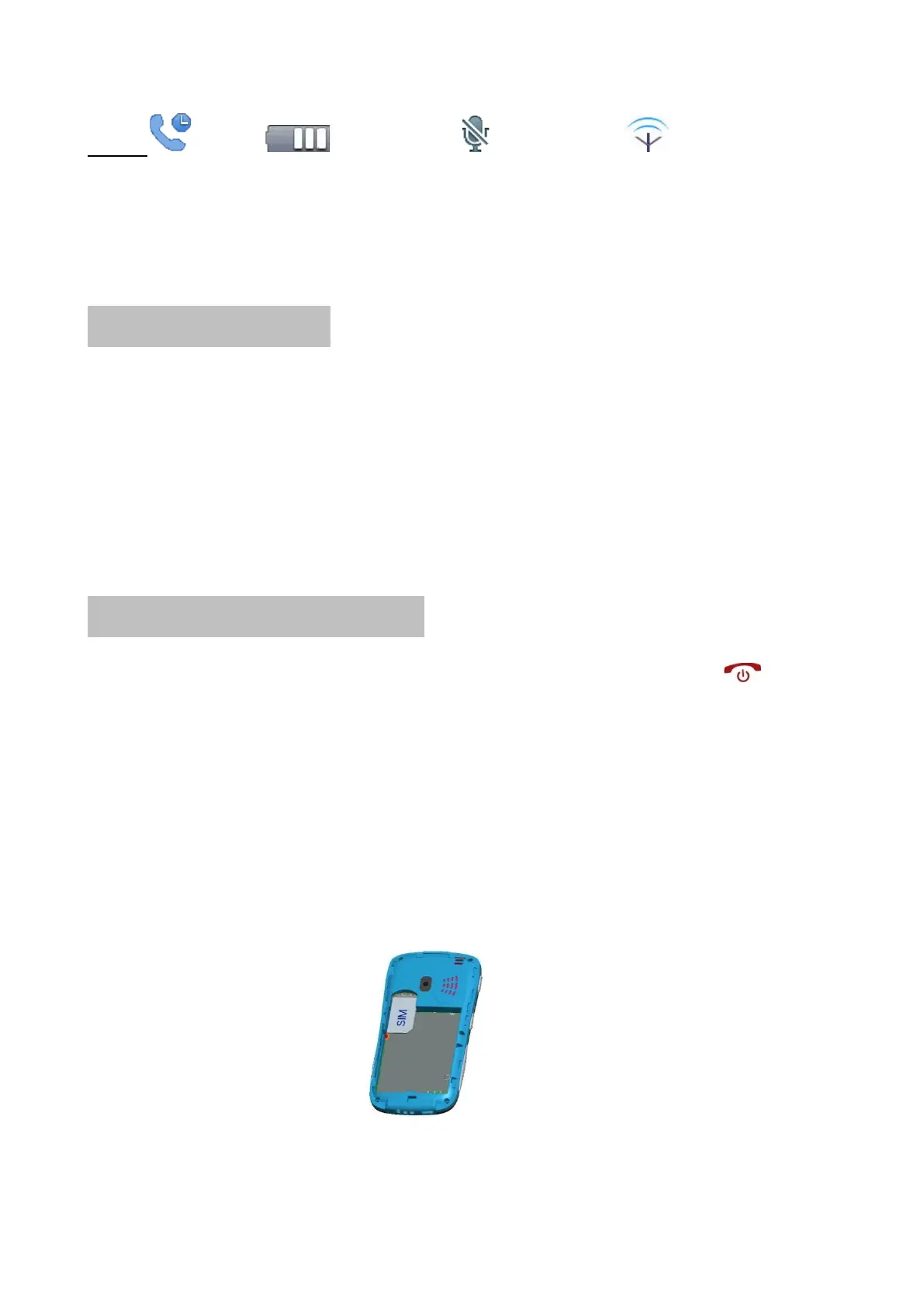
2)Open the cover battery and take out the battery and Insert
the SIM card (make sure the contacts of metal face the phone )
See photo 3-1.
3)When you need to take out the SIM card, power off and then
take out the battery.
3-1



 To Next Page