Page of 7
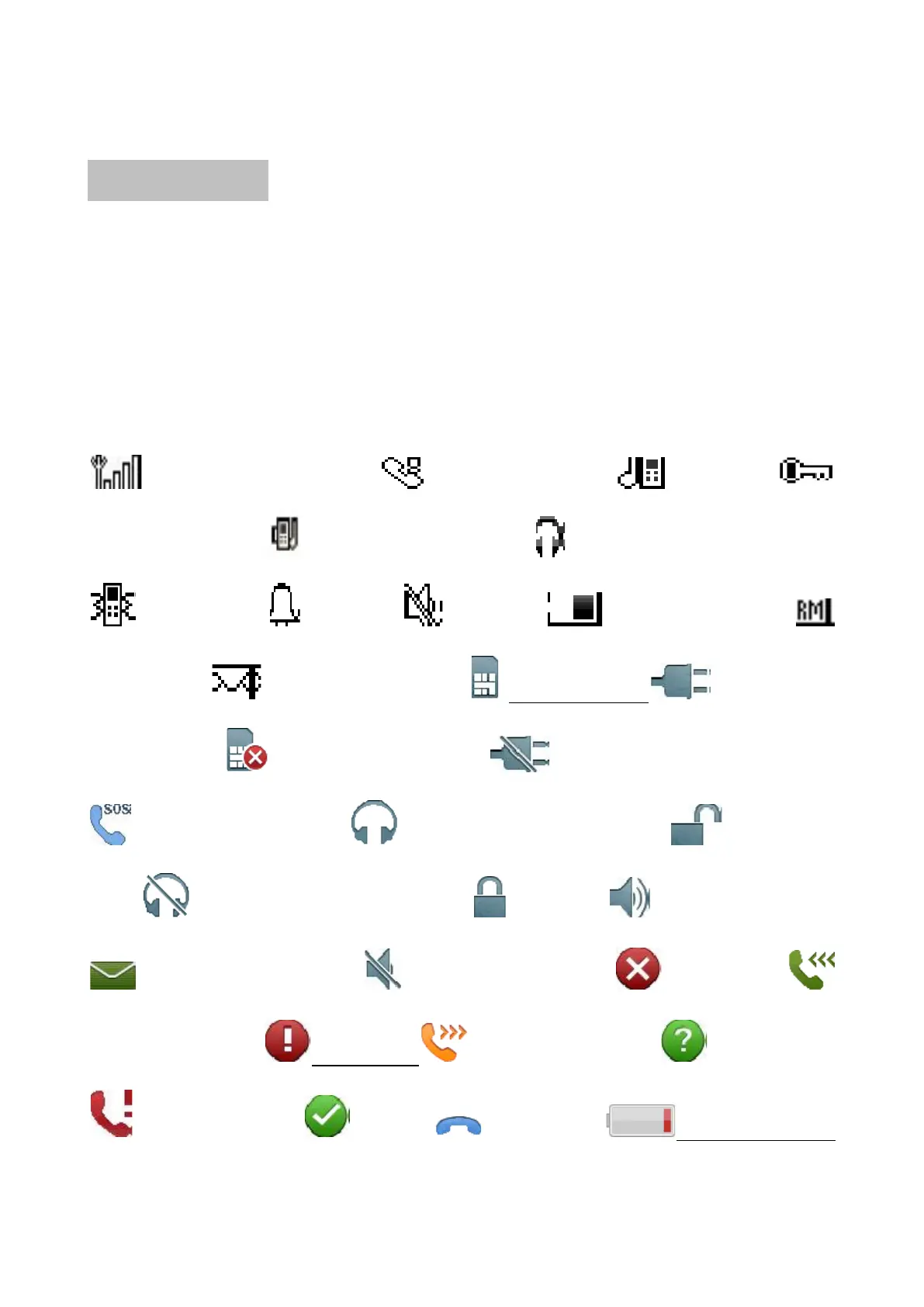
Icon Illustration
These icons are just for reference.
The screen will show the following icons to show the phone
status.
These icons will vary depending on country and/or service
provider.
Signal Strength Missing call Ring
Keypad Lock Ring+Vibration Headset Connected
Vibration Alarm Silence Battery Level
Roaming New message SIM Card Charger
Connected SIM Card Error Charger disconnected
SOS Calls Only Headset Connected Keylock
Off Headset Disconnected Lock Handsfree on
New message Handsfree off Error
Incoming call Warning Outgoing call Question
Missing call OK End call Low battery



 To Next Page