Need help?
Do you have a question about the Sunstech EBI5 and is the answer not in the manual?
Important safety precautions to prevent damage or injury.
Guidelines for proper usage and care of the device.
Identifies buttons and ports located on the top of the device.
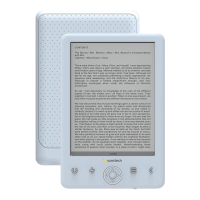
Identifies buttons and the screen on the front of the device.
Detailed explanations of each button and its functionality on the device.
Options available within the Books section, including search and sorting.
Description of the screen layout and elements during reading.
Features for navigating and managing content while reading, like jump page and search.
 General
| Brand | Sunstech |
|---|---|
| Model | EBI5 |
| Category | eBook Reader |
| Language | English |


 To Next Page